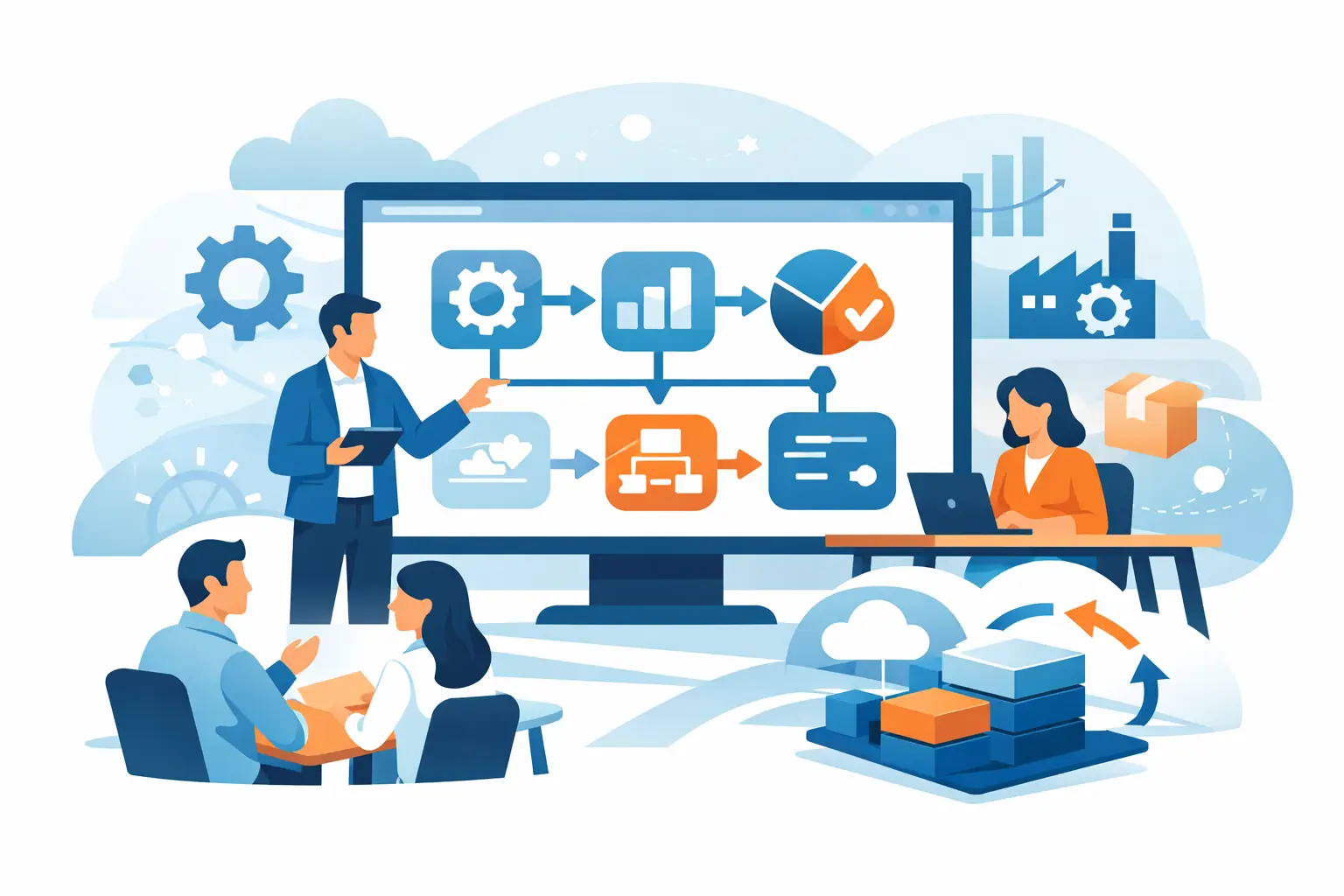
A warehouse manager should not need three spreadsheets, a phone call and a stocktake to answer whether a customer order can be filled. Nor should finance wait until month-end to learn that production costs have shifted. Managed ERP implementation services address this gap by putting the system, the implementation work and ongoing operational support around one connected source of truth.
For Australian businesses with manufacturing, warehousing, field labour, processing or multi-site operations, an ERP project is not simply an IT upgrade. It changes how work moves from quote to order, stock issue to production, timesheet to payroll input, and invoice to financial reporting. The implementation needs to reflect those daily realities if it is going to deliver value.
What managed ERP implementation services include
A managed implementation takes responsibility beyond software configuration. Rather than handing over a platform after a brief setup, the provider works with the business through planning, data preparation, process design, testing, training, go-live and ongoing improvement.
The practical difference is continuity. The people who understand how your purchasing approvals, batch tracking, job costing or labour-hire billing work are available after go-live, not just during the sales process. That matters when a new workflow is needed, a report needs adjusting or a team requires extra support during a busy period.
A well-scoped service commonly covers business process review, module configuration, data migration, user roles, reporting, integrations, training and post-launch support. For operationally complex businesses, it can also include machine or PLC connectivity, mobile workflows, Power BI dashboards, cybersecurity monitoring and carbon accounting configuration.
The scope should not be identical for every business. A professional practice may prioritise project billing, time capture and financial visibility. A manufacturer may need bills of materials, work orders, production planning, quality records and machine data. A retailer with multiple locations may focus first on point of sale, replenishment and accurate stock across sites.
Start with operational decisions, not software features
The strongest ERP projects begin with a clear picture of the decisions people need to make each day. This prevents a common problem: configuring a long list of features without improving the work that creates delays, errors or missed revenue.
Ask practical questions. Can sales see available-to-promise stock before committing to a delivery date? Can production supervisors identify material shortages before a work order stalls? Can management compare labour, material and overhead costs against the expected margin for each job? Can finance trace an invoice back to a delivery, timesheet or completed project milestone?
These questions expose the workflows that deserve attention first. They also help determine where standard processes are sufficient and where industry-specific configuration is justified. Customisation can be valuable, but it should solve a real operational requirement, not reproduce every historical workaround built into spreadsheets.
A managed provider should document approval points, exceptions, master data ownership and reporting needs early. For example, if stock can be received without a purchase order in certain circumstances, the system needs a controlled process rather than an informal bypass. If supervisors approve timesheets on mobile devices, the workflow needs clear cut-off times and escalation rules.
Build a realistic rollout plan
Replacing disconnected systems all at once can be sensible for a smaller operation with clean data and simple processes. For a larger manufacturer, plantation, tannery or labour-hire business, a phased rollout often reduces risk. Finance, purchasing and inventory may form the first release, followed by production, field operations, advanced analytics or machine integration.
The right approach depends on operational urgency, data quality, internal capacity and the number of integrations involved. A phased project is not automatically slower. It can bring critical controls into place quickly while allowing teams to test more specialised workflows without placing the entire business under pressure.
A practical plan sets out who makes decisions, what information must be migrated, which processes will change and how success will be measured. It should include time for user acceptance testing using realistic scenarios: a partial delivery, a returned item, a production variance, an urgent purchase, a split shift or a customer invoice with milestone billing.
Go-live dates should account for the business calendar. Avoid major system changes during stocktake, harvest, peak hospitality trading, year-end close or a major customer delivery period where possible. The calendar will not always be perfect, but the implementation team should understand the cost of disruption and plan around it.
Data preparation is operational work
ERP data migration is often treated as a technical task. In practice, it is a business clean-up exercise. Inaccurate item descriptions, duplicate suppliers, inconsistent customer terms and outdated bills of materials will not improve simply because they are loaded into a new cloud platform.
Managed ERP implementation services should provide a structured approach to identifying what to move, what to archive and who validates the result. Opening balances, active stock, current orders and essential transaction history normally need the greatest attention. Not every document from the past decade needs to sit in the new system on day one.
Assign ownership for customers, suppliers, chart of accounts, items, pricing, employee records and production master data. This gives each department a reason to verify the information it relies on. It also establishes data governance that continues after the implementation is complete.
Connect finance to the work happening on the floor
An ERP earns its place when operational activity and financial results are connected. If goods are received, consumed, produced, dispatched or returned, those movements should feed accurate stock valuation, costing and financial reporting without repeated manual entry.
For manufacturers and process-based operations, this can mean linking production orders to material consumption, labour time, yields, scrap and finished goods. For labour-hire businesses, it can mean connecting worker assignments, approved timesheets, client charge rates and invoice generation. For hospitality and retail, point of sale transactions, purchasing and inventory movements need to reconcile cleanly with financial accounts.
Industrial connectivity can add another layer of useful information. PLC and machine data can help record run time, output, downtime or production counts, provided the data is relevant and the workflow around it is understood. Collecting every available signal is rarely the goal. Capturing information that improves scheduling, maintenance, traceability or costing is.
Make reporting useful at the point of action
Monthly reports are necessary, but they are not enough for a business dealing with changing demand, supply delays or tight production schedules. Operational leaders need current information that helps them act before a problem becomes a financial result.
Power BI dashboards and embedded reporting can show stock exposure, order status, production performance, project margin, debtor ageing and labour utilisation in one place. Generative-AI voice bots can make information easier to access for users who need quick answers while working across a warehouse, site or production area. These tools work best when the underlying ERP data is consistent and well governed.
Reporting should be designed around roles. An owner may need a concise view of cash, sales, gross margin and exceptions. A production manager needs schedule adherence, material availability and variances. Finance needs reconciliation status, commitments and reliable period-end controls. Giving everyone the same dashboard usually creates noise rather than clarity.
Adoption needs support after go-live
Training is not a one-off presentation before launch. Different users need different levels of detail, and they need to practise in the context of their own work. Accounts staff may require hands-on training in approvals, allocations and reconciliation. Store staff may need a short, repeatable process for receipting stock and completing transfers. Supervisors may need mobile access for time, jobs and exception approvals.
Post-go-live support is where managed delivery proves its value. Early questions identify gaps in training, unclear policies or configuration that needs refinement. A responsive support model helps users gain confidence instead of reverting to shadow spreadsheets and manual workarounds.
OneBusiness supports this approach by combining cloud ERP configuration with industry workflows, analytics, security services and practical implementation support. The goal is not to make teams adapt to technology for its own sake, but to give them more control over the work already driving the business.
The most valuable ERP project is rarely the one with the longest feature list. It is the one that makes the next purchase, production run, customer invoice or management decision easier to complete with accurate information. Choose a managed partner that stays close to those everyday operations, and the platform can keep improving as the business grows.