A production manager sees a machine stop on the factory floor. The shift team records the issue, but the production plan is not updated until later. Inventory still assumes the output will arrive, purchasing does not see the material variance, and finance will only understand the cost impact after month-end. ERP machine integration software changes that sequence by bringing machine events into the same operational system used for production, stock, labour and financial control.
For manufacturers and process-based businesses, this is not simply a technical upgrade. It is a practical way to replace delayed reporting, manual production logs and disconnected spreadsheets with information that reflects what is happening now.
What ERP machine integration software does
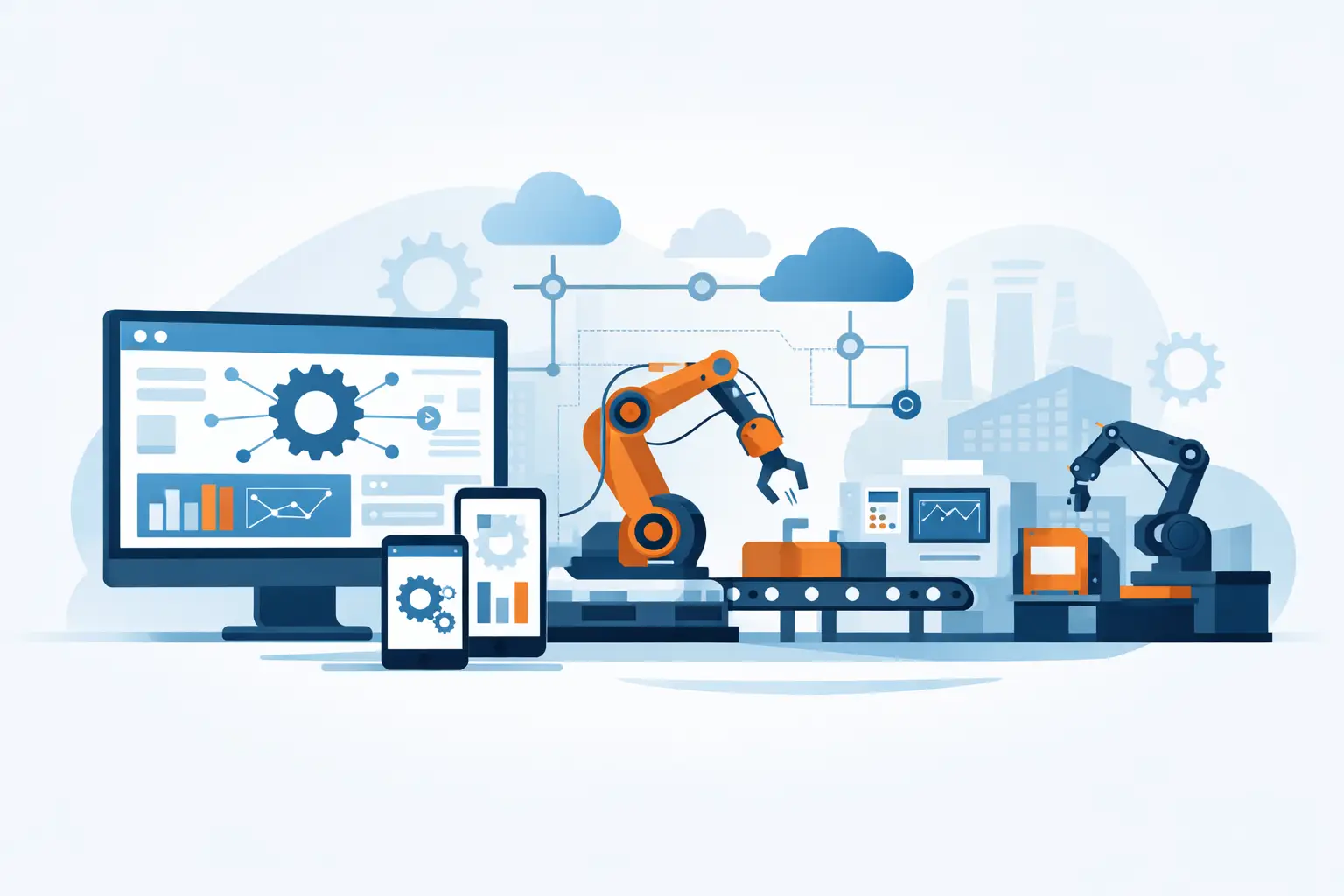
ERP machine integration software connects industrial equipment, PLCs, sensors, scales and related control systems to an ERP platform. Depending on the operation, it can capture machine status, production counts, cycle times, downtime, energy use, temperature readings, weight data, reject rates and material consumption.
The ERP then uses that data in business workflows. A completed batch can update work order progress and finished-goods stock. A machine alarm can prompt maintenance activity. Actual output can be compared with planned quantities, expected material use and labour allocation. Finance teams can see a more accurate view of production costs without waiting for paper records to be entered.
The value is in the connection between the shop floor and the back office. Machine data on its own can show that equipment is running. An ERP on its own can show what was planned and what was recorded. Together, they show whether the business is producing the right quantity, at the expected cost, using the available materials and capacity.
Why manual production records create costly gaps
Many small and mid-sized operators have capable machinery but rely on whiteboards, spreadsheets or end-of-shift paperwork to update production. These processes can work in a small operation with limited product lines. They become harder to control as the number of orders, machines, shifts, sites or traceability requirements grows.
The main problem is timing. If actual output is entered hours or days later, planners may schedule work against stock that does not exist. Sales staff may make commitments without a reliable view of available capacity. Supervisors may identify recurring downtime only after it has affected several orders. In process manufacturing, delayed readings can also make it harder to investigate quality deviations or material losses.
Manual entry also introduces interpretation. One operator may classify a stoppage as setup time while another records it as downtime. A production count may be based on a gross machine total rather than accepted units. These are not always people problems. They are often process-design problems caused by asking teams to transfer operational data between disconnected systems.
Where machine connectivity delivers the clearest return
Machine integration is most valuable where machine activity has a direct effect on throughput, cost, quality, traceability or customer delivery. The exact use case depends on the industry and the maturity of the current operation.
In discrete manufacturing, a connected ERP can receive output counts from cutting, machining, assembly or packaging equipment and apply them to the relevant job or work order. This helps production teams compare planned and actual output by shift, product and machine.
For process-based production, data from mixers, dryers, washers, processing lines or weigh scales can support batch records, yield analysis and consumption tracking. A tannery, industrial garment washing operation or food-related processor may need to monitor recipes, chemical use, temperature, timing and batch movement as part of operational control.
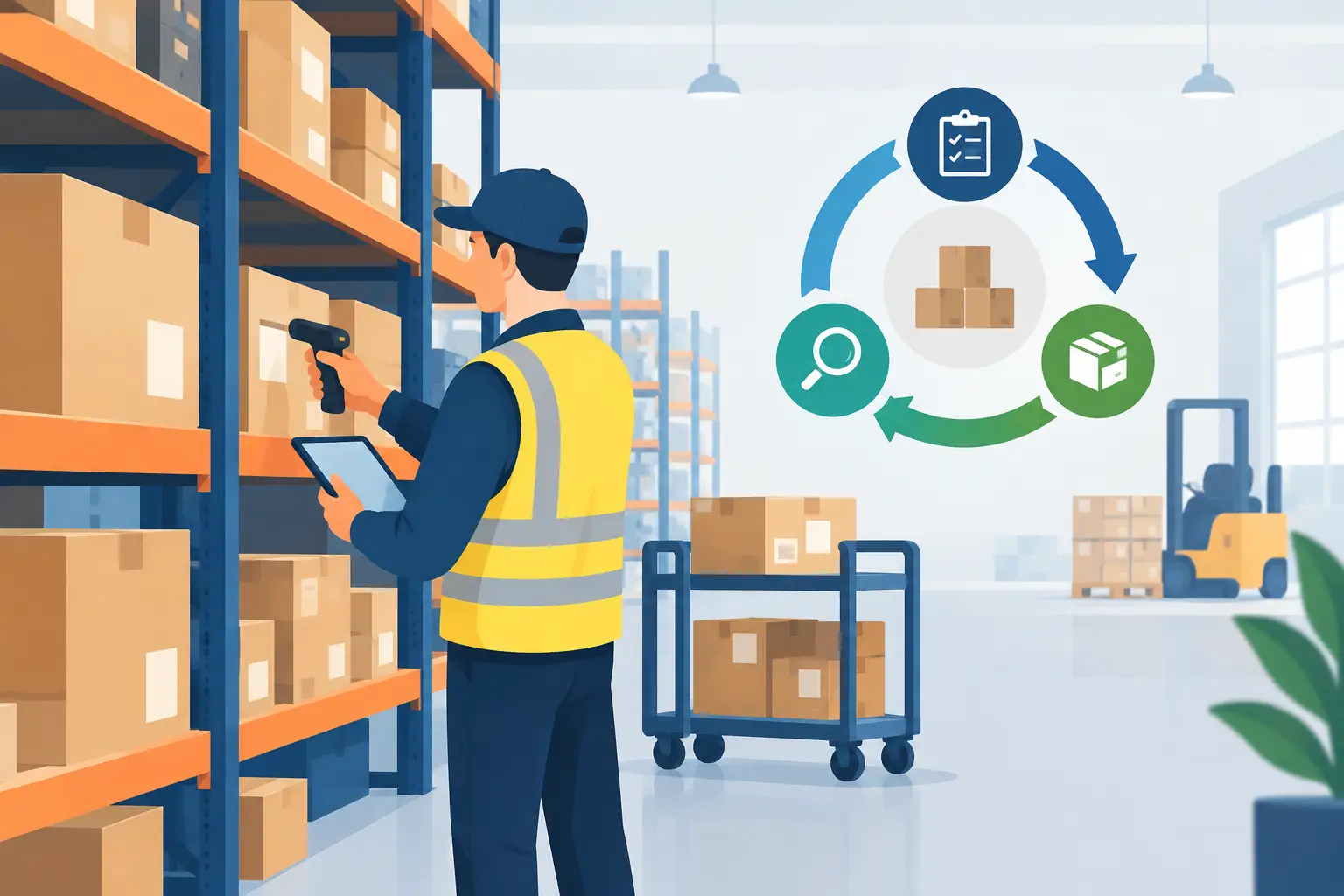
In warehouse and packing environments, scanners, conveyors and automated weighing equipment can improve the accuracy of receiving, packing and dispatch records. The goal is not to automate every step for its own sake. It is to remove the points where a late or inaccurate update creates an avoidable stock, billing or customer-service issue.
From raw machine data to useful decisions
A common mistake is treating every available machine signal as equally valuable. Collecting thousands of tags without a clear operational purpose can create noise, increase implementation effort and leave managers with dashboards nobody uses.
A stronger approach starts with the decisions the business needs to make. If the priority is reducing missed delivery dates, the system may need reliable data on work order status, output rates, changeover time and unplanned stoppages. If margin is under pressure, the priority may be actual material use, scrap, rework, energy consumption and labour against each production run.
This is where ERP context matters. A machine may report that it produced 5,000 units, but the ERP can identify the customer order, product specification, production batch, bill of materials, warehouse location and associated cost. It can also distinguish between total output, quality-approved output and rejected output.
Power BI analytics can then present the results in a form suited to different users. Supervisors may monitor shift performance and downtime trends. Operations leaders may review capacity and yield. Finance teams may assess cost variances and work in progress. Management does not need more reports. It needs a shared view of the measures that influence operational performance.
Planning the integration before choosing the technology
Successful machine connectivity begins with process mapping, not connectors. Businesses should identify which machines matter, what data they produce, who owns that data and which ERP transaction should be updated. Older equipment may require gateway hardware, while newer PLCs may support more direct communication. Both can be viable when designed properly.
It is also worth deciding how much automation is appropriate. A production count may flow automatically into a work order, while a quality hold or unusual scrap event may require supervisor review before inventory is updated. Fully automatic transactions are efficient when the signal is trusted and the business rule is clear. Controlled approvals are safer where exceptions have financial, safety or compliance implications.
Data quality needs attention from the start. Machine identifiers, product codes, units of measure, shift definitions and downtime reasons should match the ERP structure. If one system measures kilograms and another expects tonnes, or if job numbers are not consistently available at the machine, the integration will create confusion rather than control.
Cybersecurity is part of the design as well. Industrial devices should not be exposed directly to business networks without appropriate controls. Managed security, role-based access, network segmentation and monitored connections help protect both operational technology and cloud business systems. The right architecture will vary by site, equipment age and risk profile.
A phased path that reduces risk
A phased rollout is usually more practical than connecting every asset at once. Start with a production line, process or reporting gap where the business can measure the improvement. Establish a baseline for output, downtime, waste, stock accuracy or time spent on data entry, then validate the data flow with the people who use it each day.
Once the first integration is working, the business can extend the model to related machines, additional sites or more advanced workflows. This approach gives teams time to refine master data, exception handling and reporting rather than forcing a large technical change onto the operation.
OneBusiness supports this model by combining configurable ERP workflows with PLC and machine connectivity, production planning, inventory control, financial accounting, Power BI reporting and managed security services. For businesses with specialised processes, the platform can be configured around the way work is actually performed rather than requiring operations to fit a generic template.
Questions to ask before investing
A supplier should be able to explain more than how data moves from a PLC to a screen. Ask how the integration handles a communication failure, duplicate counts, rejected units, machine downtime, changes to product specifications and corrections after a shift closes. These everyday exceptions determine whether the system will remain trusted after go-live.
Also ask who can support the solution across ERP, industrial connectivity, reporting and security. A hand-off between several providers can slow down issue resolution when a machine signal affects production, inventory and finance at the same time. For an operationally complex business, accountability matters as much as technical capability.
The best first step is often modest: choose one process where late information is causing real cost or delay, define the decision that needs to improve, and connect only the data required to support it. When the shop floor and the ERP tell the same story, teams can plan with greater confidence and spend less time reconciling what happened after the fact.