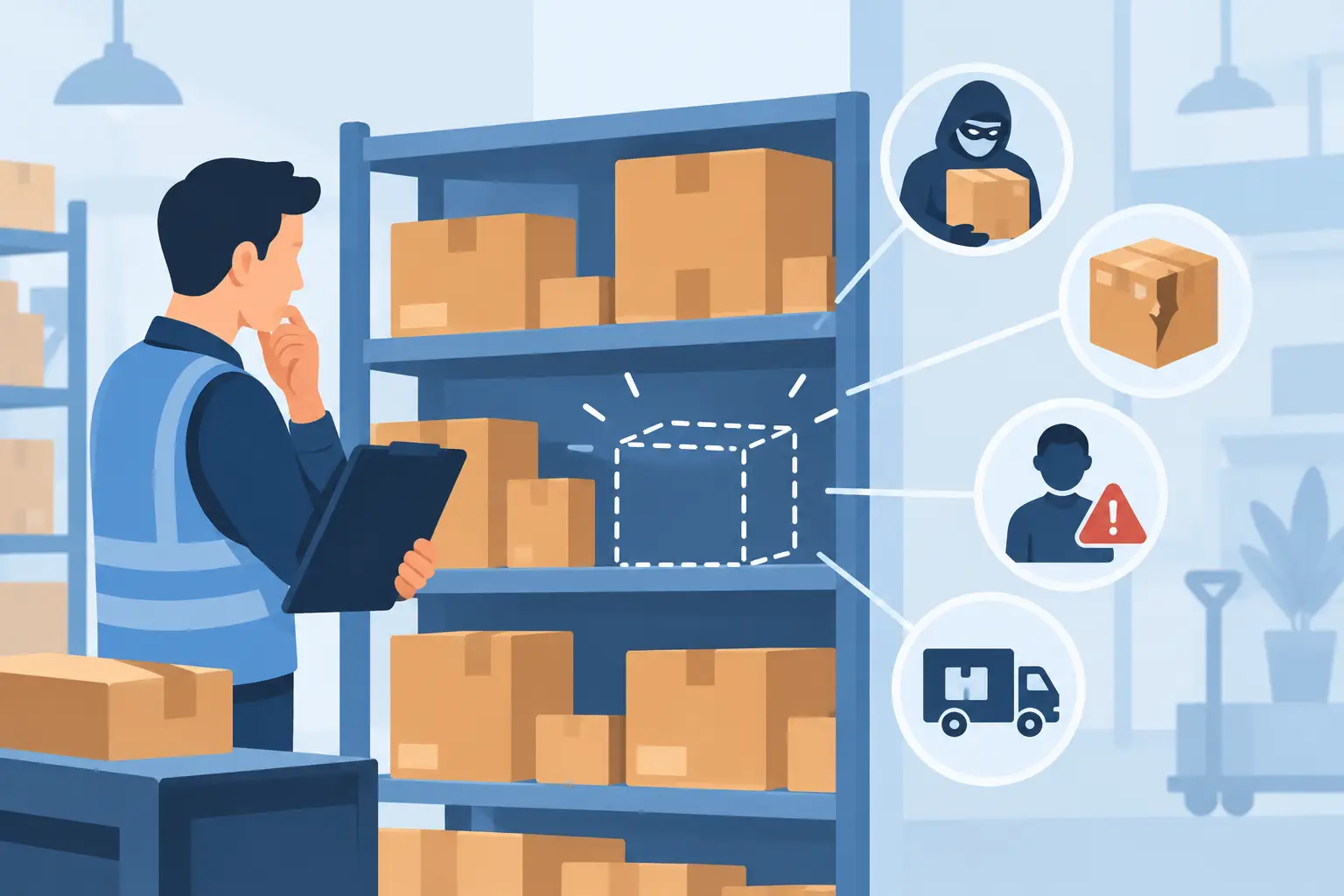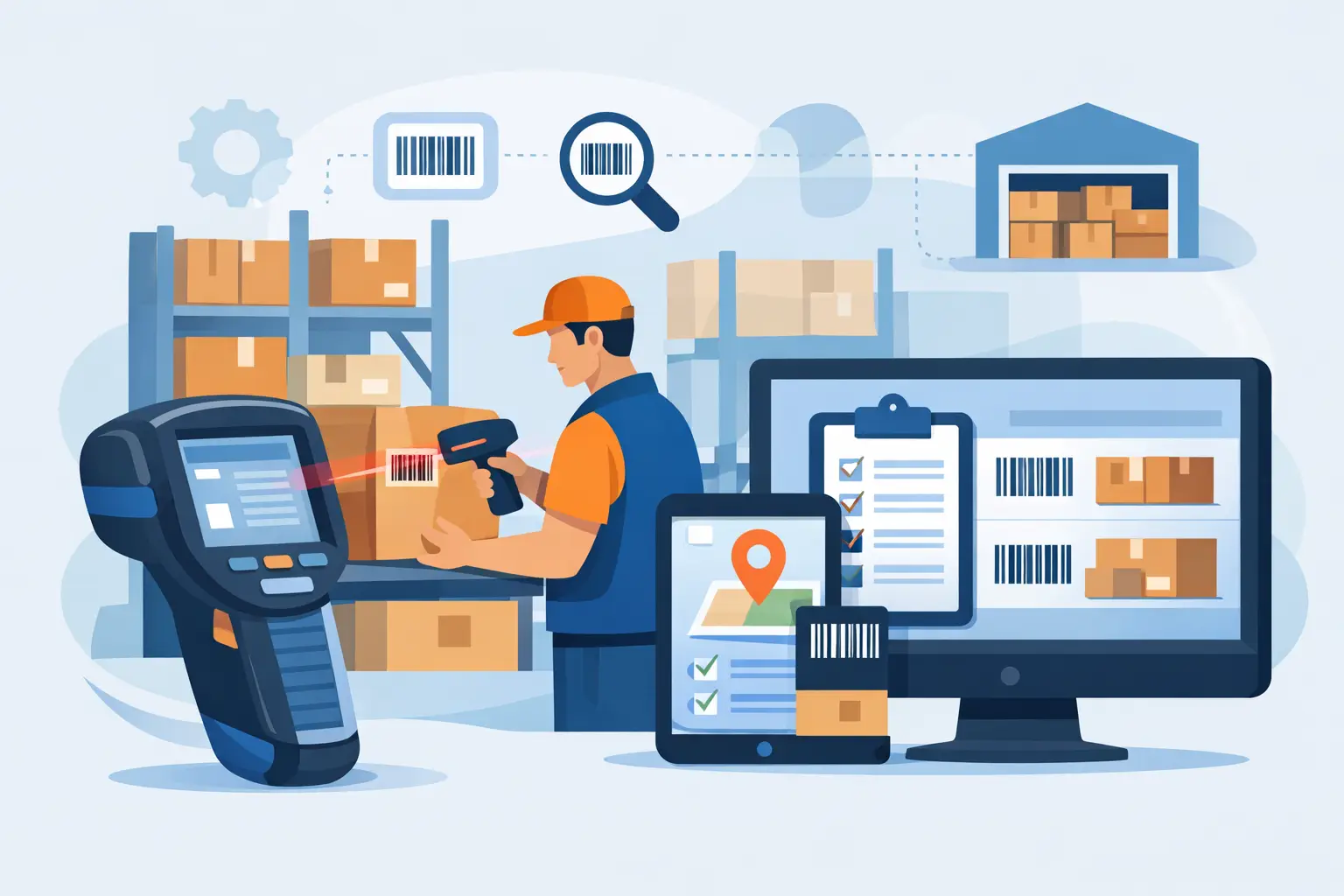
A pallet arrives without a readable label, a picker confirms stock from memory, and finance learns about a write-off weeks later. These are not isolated warehouse mistakes. They are signs that stock movement is happening outside the system that should control it. A barcode inventory system for warehouses gives every receipt, transfer, pick, adjustment and dispatch a digital record at the point where work is performed.
For operationally intensive businesses, the value is not simply scanning faster. It is knowing what is on hand, where it sits, who moved it, what it cost, and whether it is available to promise or already committed to production or sales. When barcode activity feeds a connected ERP platform, warehouse control becomes part of the wider financial and operational picture.
What a barcode inventory system changes
A barcode system assigns a scannable identity to an item, carton, pallet, bin, batch or serialised asset. Warehouse staff use mobile scanners, tablets or mobile devices to capture movements as they happen. Rather than recording a transfer on paper and entering it later, the scan updates the inventory record immediately.
That difference matters most when the warehouse is busy. Goods can be received against purchase orders, checked into quarantine, put away to nominated locations, picked for customer orders or issued to a production job. Each action can apply the correct stock status and location rules without asking staff to remember product codes, manually type quantities or search through spreadsheets.
The outcome is practical: fewer avoidable picking errors, faster stocktakes, clearer accountability and more reliable replenishment decisions. It also reduces the familiar argument between warehouse and office teams about whose stock figure is correct. Both teams work from the same live information.
The warehouse workflows worth scanning
A barcode inventory system is most effective when it supports the actual movement of goods, not just an annual stocktake. The first priority is usually inbound receiving. Staff scan a purchase order or delivery reference, then scan products, lots or serial numbers as they arrive. The system can flag over-deliveries, unexpected items or expired stock before those goods enter available inventory.
Putaway is the next control point. A worker scans the product and destination bin, confirming the item is stored where the system says it is. This sounds simple, but it prevents a common source of lost stock: product placed in a convenient location that no one records. For warehouses with multiple zones, cold storage, bulk locations or customer-specific stock, location discipline is essential.
During fulfilment, scanning can validate that the correct item, batch and quantity are picked for an order. Businesses handling regulated, perishable or high-value goods may also need FIFO, FEFO, batch traceability or serial number control. The right system applies these rules in the workflow, so staff do not have to interpret them under pressure.
Internal transfers, returns, production issues and stock adjustments deserve the same treatment. If raw materials move from stores to a work order, that scan should update production consumption and inventory valuation. If a customer return is received, staff should be able to record its condition and direct it to resale, inspection, rework or disposal. The more movements that are captured at source, the less room there is for invisible stock loss.
Choose the level of control your operation needs
Not every warehouse needs the same barcode design. A small trading business may get strong results from item-level barcodes, basic bin locations and mobile picking. A manufacturer may require multiple units of measure, batch genealogy, kitting, work order consumption and machine-connected production data. A plantation or processing operation may need traceability from harvest or intake through to finished product dispatch.
Start with the question: what decisions become unreliable because stock data is late or inaccurate? If the problem is frequent mispicks, pick confirmation and location scanning may be the priority. If margins are unclear, the focus may be real-time receipt costs, production consumption and inventory valuation. If recalls or customer compliance are a concern, lot and serial traceability should lead the design.
There is a trade-off. More scan points create better control, but unnecessary scans slow people down. A practical implementation identifies the moments where confirmation prevents material cost, delay or risk. For example, scanning a pallet at receiving, putaway, replenishment and dispatch is usually valuable. Requiring separate scans for low-risk movements within a single bench area may not be.
Labels and hardware are part of the design
A system can only be as reliable as the labels people can scan. Labels need to suit the operating environment: heat, moisture, dust, freezer conditions, abrasion, outdoor storage or chemical exposure can all affect readability. Barcode placement also matters. A label hidden beneath stretch wrap or facing a pallet racking upright will create workarounds quickly.
Hardware should suit the job rather than the sales brochure. Handheld scanners may be ideal for counter picking and stocktakes, while rugged mobile computers are better for large warehouses, yards and manufacturing floors. Wearable scanners can improve productivity in high-volume pick-and-pack environments. Wi-Fi coverage, device charging, printer availability and offline processes need to be tested before go-live, particularly in older facilities or remote sites.
Connect scanning to the rest of the business
A standalone scanning app can improve warehouse accuracy, but it often creates a new disconnect if information must be exported into accounting, sales or production systems. The stronger approach is to operate barcode workflows within the same platform that manages orders, purchasing, inventory, finance and planning.
When a delivery is received, accounts payable can match supplier invoices to the purchase order and actual receipt. When a sales order is picked and dispatched, customer service sees the current status without calling the warehouse. When materials are issued to a production order, planners can see what has been consumed and whether replenishment is needed. Stock movements affect the financial position as they occur, rather than at month-end reconciliation.
This connected view also makes analytics more useful. Managers can use Power BI reporting to examine picking accuracy, slow-moving stock, inventory turns, order cycle time, stock adjustment reasons and warehouse workload by zone or team. AI-enabled forecasting can support replenishment and purchasing decisions, but its recommendations are only as trustworthy as the transaction data underneath them. Clean barcode capture provides that foundation.
For manufacturers and process businesses, the benefits can extend further. Integration with PLCs, scales or industrial machines can capture production output and consumption alongside warehouse transactions. That provides a more complete record of yield, waste, work in progress and finished goods availability. It can also support carbon accounting by connecting materials, production activity and operational reporting in one controlled environment.
Plan implementation around real warehouse work
A barcode project should begin with a walk-through of the warehouse, not a software demonstration. Map how stock physically arrives, moves, waits, is picked and leaves the site. Include the exceptions: damaged goods, substitute items, partial deliveries, returns, stock found in the wrong bin and emergency production issues. Those are often where manual processes create the biggest gaps.
Next, clean the item and location data. Product descriptions, units of measure, barcode formats, pack sizes, batches and bin names must be clear enough for warehouse teams to use consistently. It is better to resolve duplicate items and vague locations before printing thousands of labels than to carry confusion into a new system.
Training should use real scenarios and actual devices. Staff need to know not only which button to press, but why a scan is required and what to do when the system disagrees with the shelf. A sensible rollout may start with receiving and putaway, then add picking, replenishment and production workflows once the team is comfortable. The right sequence depends on where the current operational risk sits.
OneBusiness can configure barcode-enabled warehouse workflows alongside inventory, purchasing, sales, production and finance, giving teams one source of truth rather than another disconnected tool. The goal is an implementation that reflects the way your operation needs to run, while improving the controls that support growth.
The measure of success is trust
A barcode inventory system should not be judged by how many labels it prints. It should be judged by whether a warehouse supervisor can trust the available stock figure, whether a finance team can close with fewer adjustments, and whether customers receive the right goods on time. When every practical stock movement is visible in the same system, warehouse teams can spend less time searching and correcting, and more time keeping the operation moving.