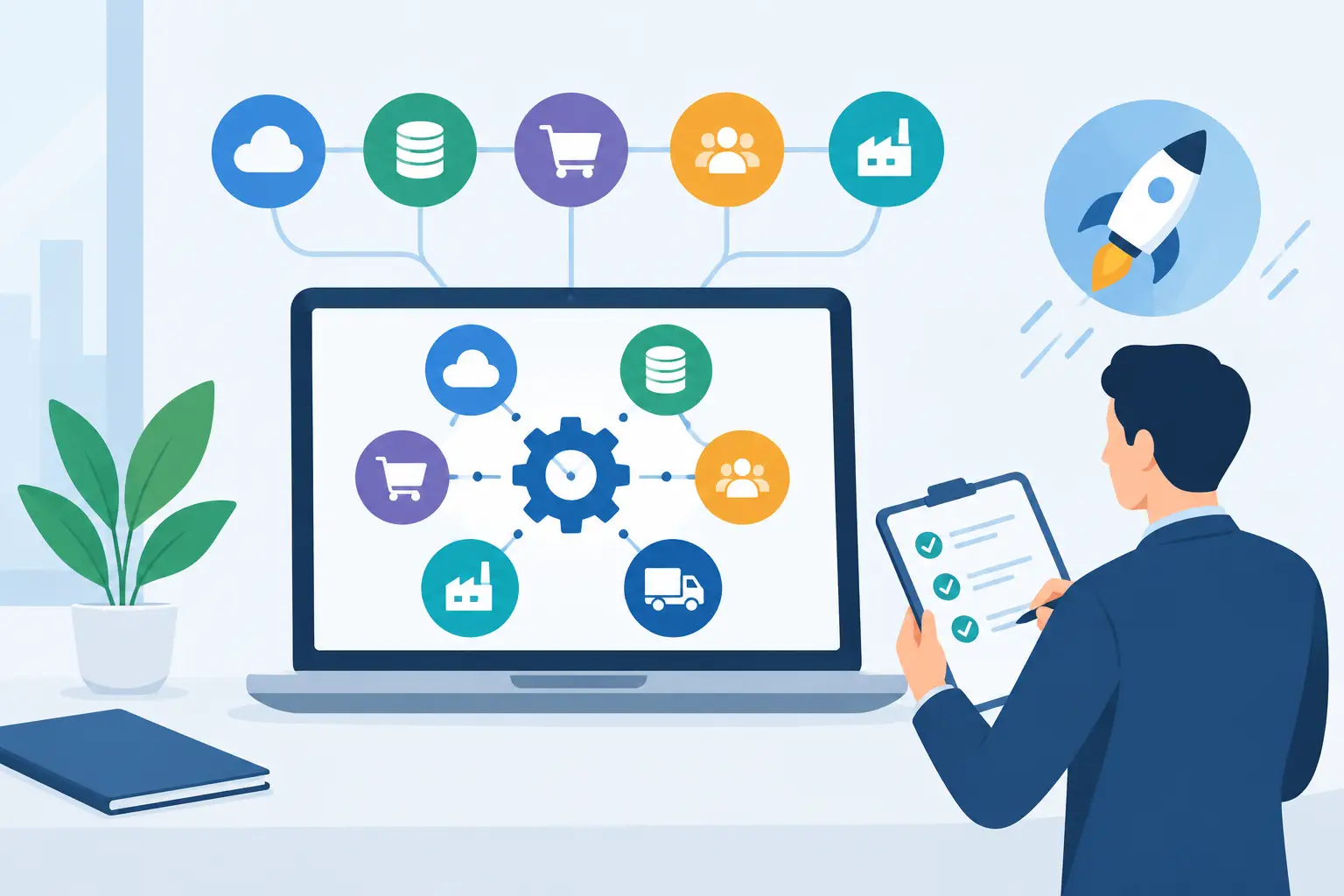

A finance team may close the month correctly and still be working with the wrong operational picture. If stock movements sit in one system, timesheets in another and production output on paper, profit reports arrive late and decisions rely on guesswork. Searching for the best accounting integrations is usually a sign that the business needs more than a faster way to move data between apps. It needs a dependable flow of operational information into financial control.
What the best accounting integrations should achieve
An accounting integration is valuable when it removes duplicate entry while preserving the detail behind each transaction. A sales invoice should reflect what was delivered. The cost of goods sold should reflect the stock actually issued. Labour costs should be assigned to the correct job, shift or production batch. These sound like basic expectations, yet they are difficult to achieve when every department maintains its own records.
For a growing Australian manufacturer, retailer, labour-hire provider or hospitality group, the right connection should create a shared version of events. Finance can see committed costs and margins earlier. Operations can see the commercial effect of purchasing, waste, rework and delayed dispatch. Leaders can review current information rather than waiting for someone to reconcile spreadsheets at month end.
The strongest approach depends on the operating model. A professional practice may prioritise time, expenses and project billing. A food processor may need batch traceability, yield calculations and quality records tied to inventory valuation. A plantation business may need harvest, labour and input costs captured by block or crop. The integration must follow the work, not force the work to fit a generic chart of accounts.
Inventory and warehouse connections
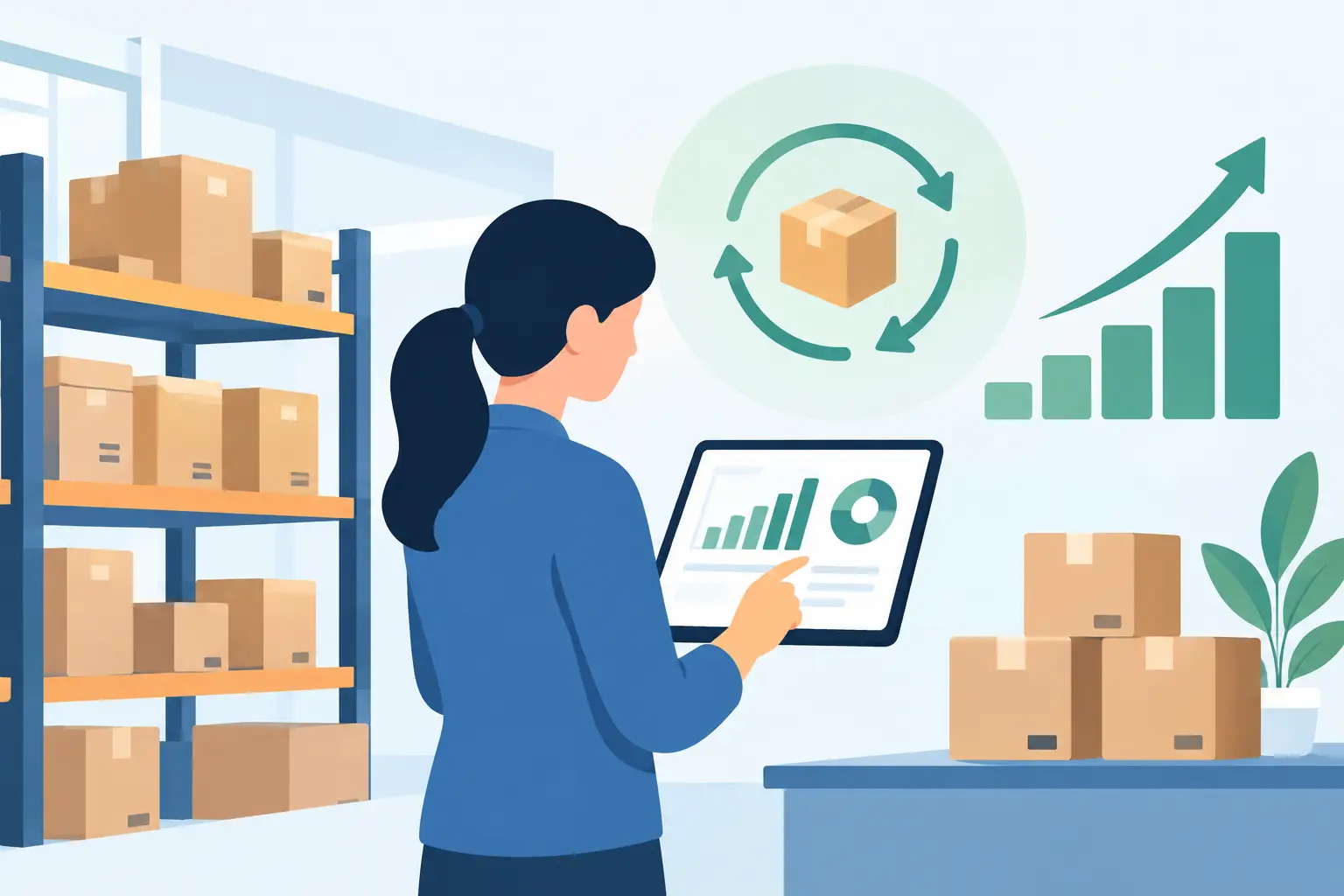
Inventory is often where accounting accuracy is won or lost. A suitable warehouse integration should record receipts, transfers, adjustments, picks, returns and stocktakes in a way that keeps quantity and value aligned. It should also support the valuation method and costing rules the business uses, whether that is average cost, FIFO or a more specialised approach.
Look beyond the headline promise of real-time stock. Ask how the system handles landed costs, damaged goods, consignment stock, serial numbers and multiple warehouses. If a warehouse team scans items but finance still posts manual journals for variances, the connection is incomplete. The accounting team needs visibility of the reason for a movement, not just a final balance.
Sales, purchasing and payment connections
Sales, purchasing and payments should provide a clear path from order to cash and from requisition to payment. When customer orders, delivery records and invoices are connected, staff can reduce billing delays and disputes. When purchase orders, goods receipts and supplier bills are connected, the business can better control three-way matching and prevent invoices being approved without evidence of what arrived.
Bank feeds and payment gateways are useful, but they are only part of the picture. The most practical setup maps payment references to customer and supplier records, supports approval controls and flags exceptions for review. A payment that clears the bank should not automatically be treated as correct if it has been allocated to the wrong job, contract or entity.
Production, machine and job-costing connections
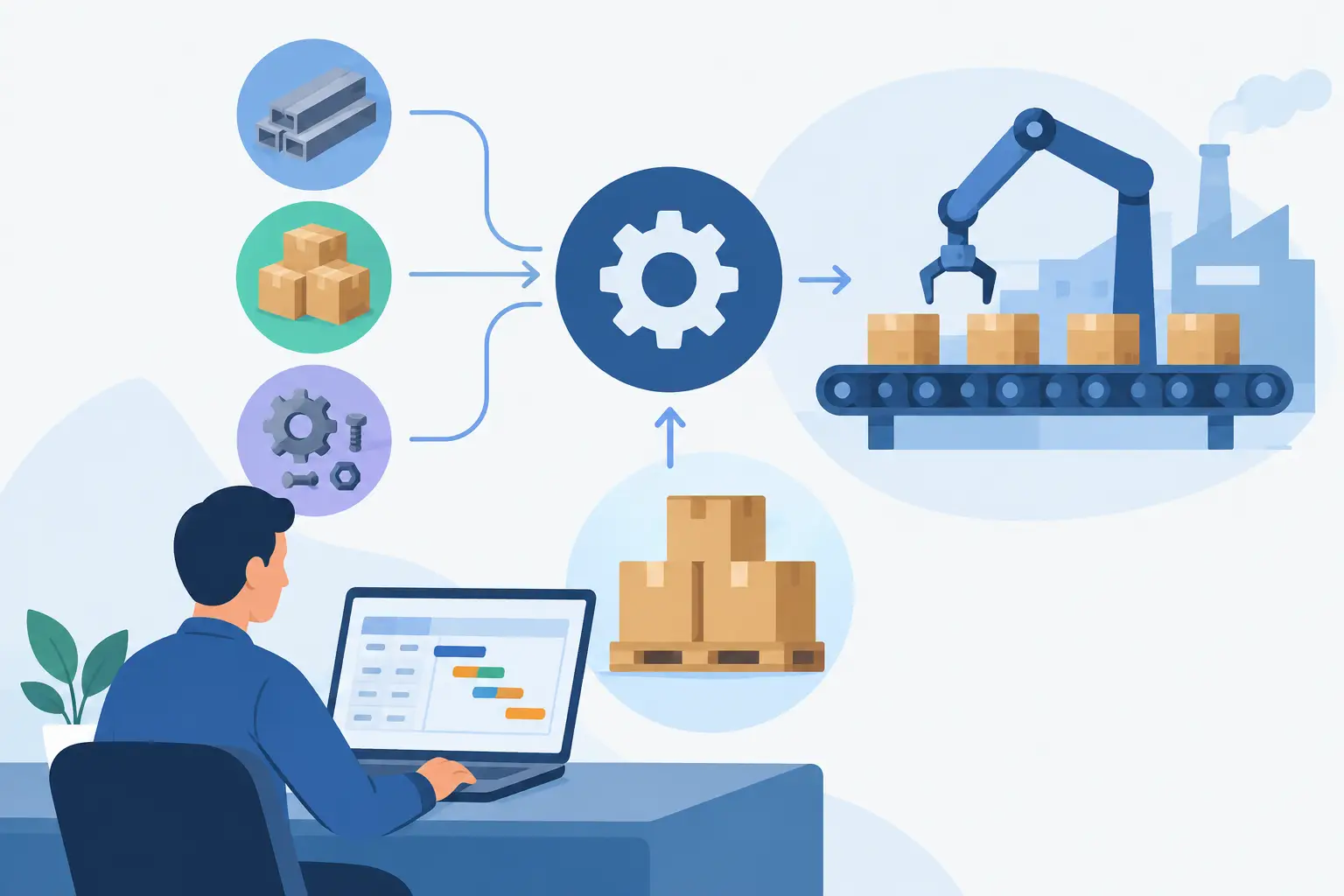
For operationally complex businesses, production data is a financial input, not a separate technical record. Material consumption, output quantity, downtime, scrap and rework can affect inventory, work in progress and margin reporting. When these events are captured late, management may be looking at a profitable-looking product line that is actually losing money.
Machine and PLC connectivity can make this data more timely and reliable, provided the rules are carefully configured. A machine count does not always equal saleable output, and a recorded run time does not always represent productive labour. The integration should allow supervisors to validate exceptions, record quality outcomes and allocate costs to the right batch, work order or production stage.
Payroll, labour and project connections
Labour is another area where disconnected systems create avoidable leakage. A payroll platform may calculate pay correctly while a job-costing system receives only a weekly total, leaving project managers without a current view of labour spend. For labour-hire businesses, the requirements can be more detailed again: award conditions, client rates, worker classifications, timesheet approvals and on-costs all influence profitability.
A useful integration brings approved hours into payroll and returns actual labour cost to the relevant job, department or cost centre. It should retain the original timesheet detail for audit purposes. This is particularly important where teams work across multiple sites, contracts or production lines in the same pay period.
Best accounting integrations: native platform or connected apps?
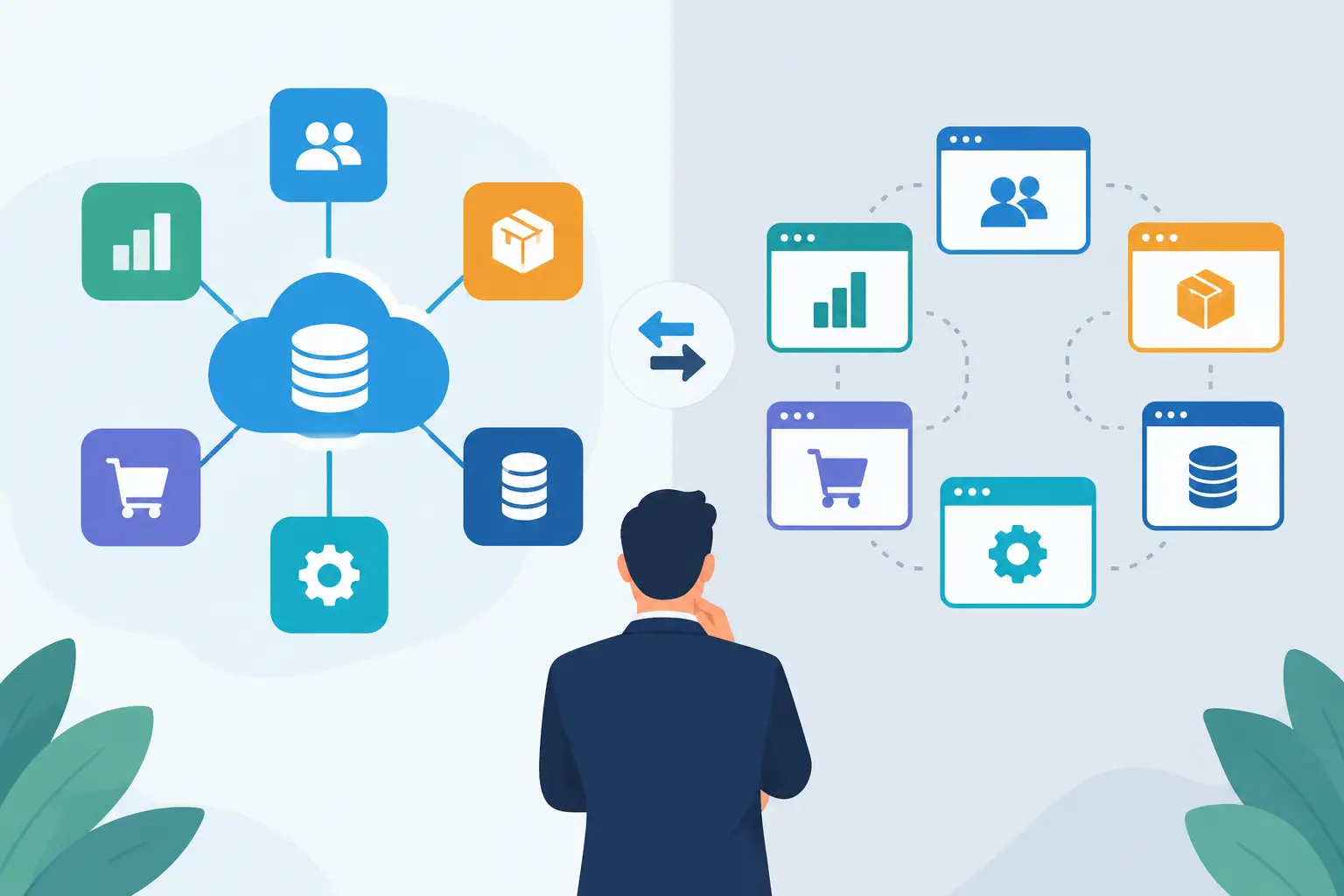
A separate accounting package connected to specialist apps can be the right choice for a smaller business with straightforward stock, simple billing and a small number of users. It can also work where a particular industry tool has a unique capability that cannot be replaced. However, each connection introduces a point of failure: data can be delayed, fields can map incorrectly and changes to one application can affect the others.
A unified ERP platform takes a different path. Accounting, inventory, sales, purchasing, projects and production operate from the same underlying data model. Rather than sending a copy of a stock movement to finance, the stock movement itself creates the financial effect according to defined rules. This can reduce reconciliation work and give teams a more complete view in one place.
Neither model is automatically better. Businesses should weigh implementation effort, existing investments, industry requirements and internal capability. A connected-app model may be quicker to begin with. A unified platform may be more economical over time when transaction volumes, locations, product lines or reporting requirements increase.
OneBusiness is designed for organisations that need financial accounting to operate alongside inventory, production, labour, point of sale and sector-specific workflows, including machine data where it is relevant. This is particularly useful when the goal is not merely to exchange records between systems, but to manage operations and financial performance from a shared foundation.
How to assess an accounting integration before committing
Start with the transactions that currently cause the most rework. Follow a customer order from quote to delivery, invoice, payment and margin report. Then follow a supplier purchase from request to receipt, bill, payment and stock or job cost. This quickly reveals whether the proposed integration handles the full process or only one hand-off.
Test the exception paths as well as the normal ones. Ask what happens when a delivery is short, a supplier bill differs from the purchase order, a timesheet is rejected, a batch fails quality checks or a customer returns goods after the invoice has been issued. A connection that looks impressive in a product demonstration may struggle with everyday exceptions.
Data ownership also matters. Define which system creates and maintains customers, suppliers, items, tax codes, chart-of-account mappings and cost centres. If two applications can edit the same field, conflicts are likely. Establishing a clear source of truth prevents the familiar problem of teams correcting the same record in different places.
Finally, review reporting, security and support. Finance leaders need traceability from a dashboard figure back to individual transactions. Operational leaders need reports that combine financial and non-financial measures, such as yield, utilisation, labour hours and waste. Power BI reporting can add analytical depth, while role-based access, approval workflows and managed security services help protect sensitive commercial and payroll information.
A practical rollout that protects daily operations
Avoid trying to connect every process on day one. Prioritise the workflows with the greatest financial risk or administrative burden, then expand in controlled stages. For many businesses, this means starting with sales, purchasing and inventory before introducing advanced production, machine data or carbon accounting.
Clean master data before migration. Duplicate customer records, inconsistent item codes and unclear tax treatments will not disappear after an integration goes live. Agree on naming standards, opening balances, stock valuation rules and approval responsibilities before testing begins.
Run parallel checks during the first close period. Compare inventory valuation, receivables, payables, payroll journals and key profit reports against the previous process. Variances are not always faults, but they must be understood. Train users around the decisions they make each day, rather than presenting the system as an abstract finance project.
The right accounting integration should give people confidence to act on current information, whether they are approving a purchase, scheduling a production run or reviewing a contract margin. When financial and operational records tell the same story, growth becomes easier to control.