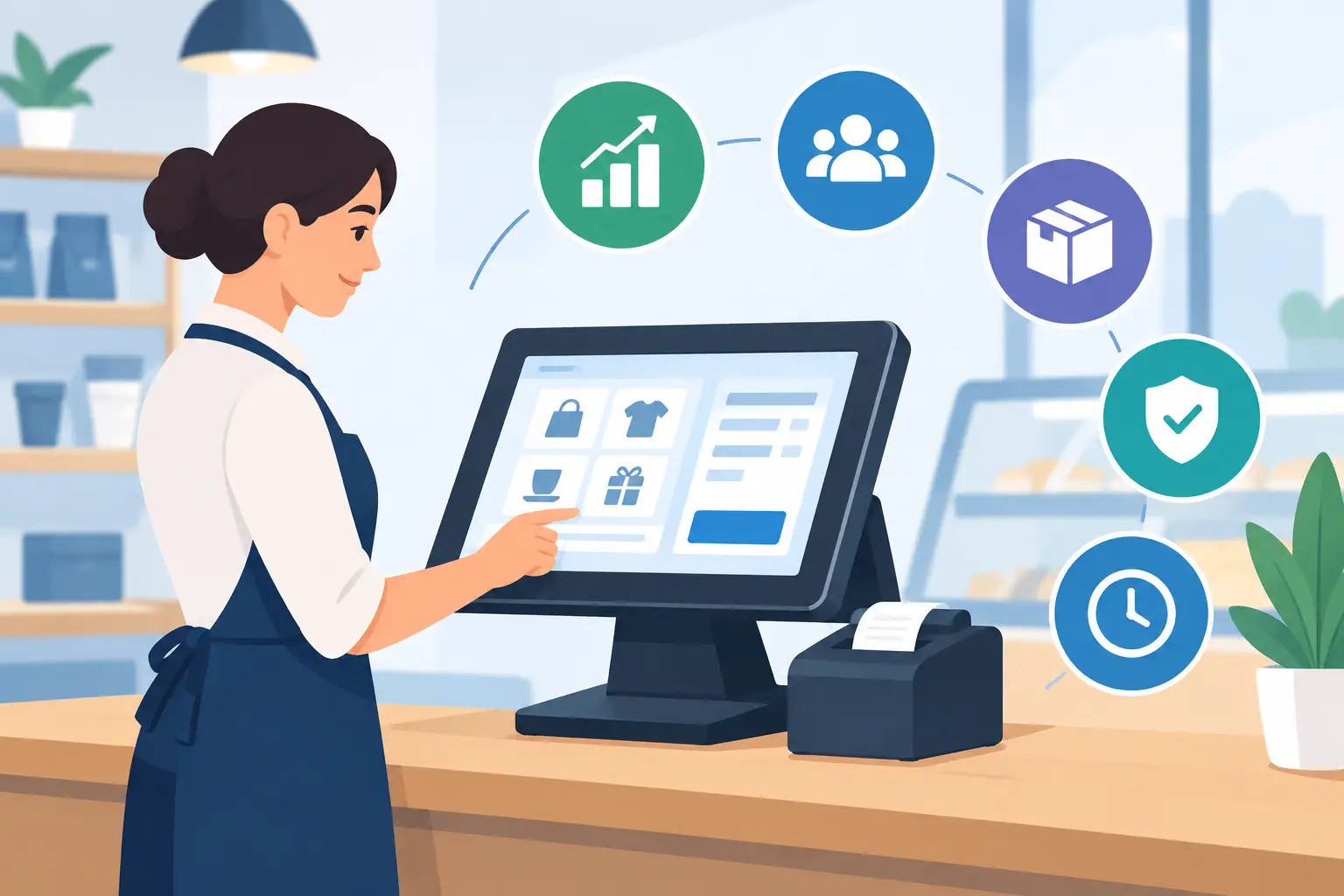
A busy counter is not the place for disconnected software. When a sale changes stock, affects a customer account, requires a tax invoice and alters the day’s cash position, staff need the information to move together. The top POS features do more than speed up payment. They give retail, hospitality and operationally complex businesses better control over the work happening behind every transaction.
For a growing business, the right point-of-sale system becomes the practical link between customer service and back-office management. The question is not simply whether a POS can take card payments. It is whether it can support the way your business prices, stocks, staffs, produces, delivers and reports.
What makes a POS feature genuinely useful?
A feature matters when it removes a repeated manual task, prevents an expensive error or gives a manager information early enough to act on it. A digital receipt is convenient, for example, but it becomes more valuable when the transaction is automatically posted to accounts, stock is updated by location and the sale is visible in live reporting.
This is why standalone POS tools can become limiting as an operation expands. They may work well at one counter, yet still leave finance reconciling sales manually, warehouse teams chasing stock figures and managers building reports from spreadsheets. A connected POS should share the same data as inventory, accounting, purchasing, customer management and, where relevant, production or project workflows.
The priority features will vary. A café may focus on fast order handling and table management. A retailer with multiple sites may need stock transfers and central pricing. A manufacturer selling direct to trade customers may care most about credit limits, batch traceability and account-specific price lists. The underlying requirement is the same: accurate transactions that flow into the wider operation without duplication.
Top POS features for faster, more controlled sales
Integrated payment and checkout processing
Fast checkout begins with a clear screen, sensible product search and support for the payment methods customers expect. A good POS should handle cash, card, split payments, refunds, deposits, store credit and customer account sales without forcing staff to use workarounds.
However, speed without control creates other issues. Look for approval rules around refunds, voids and discounts, especially where multiple staff members use the same terminal. The system should retain a clear audit trail showing who made a change, when it occurred and why. This protects margins and makes end-of-day review far easier.
For businesses with trade customers, account sales are equally important. The POS should check account status, credit limits and agreed payment terms before completing the transaction. Staff can then serve approved customers quickly while finance maintains control over exposure.
Real-time inventory visibility
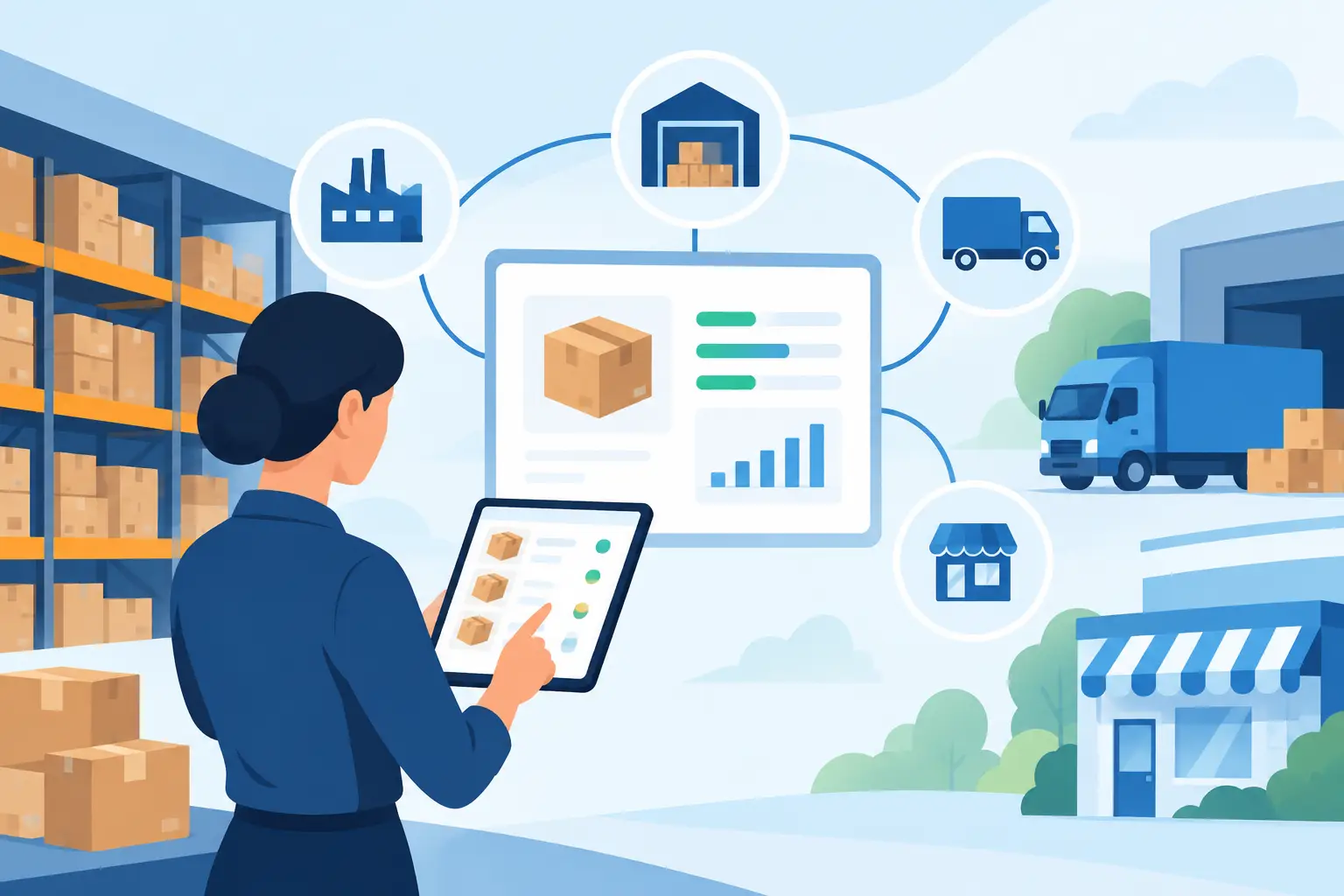
Stock accuracy is one of the most commercially valuable POS capabilities. Each sale should reduce on-hand quantity immediately, while returns, transfers, receipting and stock adjustments update the same live record. This helps staff avoid selling items that are unavailable and helps buyers see where replenishment is required.
For multi-location operations, location-level visibility is essential. A customer may be standing at a regional branch while the item is available at a warehouse or another store. The team needs to see that stock position, reserve it where appropriate and organise a transfer or delivery without relying on phone calls.
The detail required depends on the industry. Businesses handling food, chemicals, leather, garments or other traceable goods may need lot, batch, expiry or serial-number tracking. In those cases, the POS must capture the correct stock movement while preserving the traceability needed for quality management, recalls or customer enquiries.
Flexible pricing, promotions and customer-specific terms
Pricing is rarely as simple as one item, one price. Retailers may run timed promotions, volume discounts and member offers. Trade and wholesale businesses may use customer contracts, tiered pricing, seasonal rates or negotiated price lists. A capable POS applies the right rule at the point of sale rather than leaving staff to calculate discounts manually.
This reduces pricing mistakes, but it also gives managers a clearer view of margin. A promotion that lifts volume may still damage profitability if it is applied too broadly. When POS data is connected to product costs and sales analytics, teams can assess which offers move stock profitably and which simply reduce revenue.
Customer profiles add useful context as well. Purchase history, contact details, loyalty balances, delivery preferences and notes can help teams provide better service. Businesses should collect only the information they can use responsibly, with suitable access controls and privacy practices in place.
Staff permissions, shifts and accountability
A shared checkout should not mean shared access to every function. Role-based permissions let managers decide who can process a return, amend a price, access customer records, open the cash drawer or view financial reports. This is a straightforward control that reduces accidental errors and discourages unauthorised activity.
Staff sign-on records can also support shift management. At the end of a shift, managers can compare expected and actual cash, review discounts or refunds, and investigate variances while the details are still fresh. In hospitality, retail and labour-intensive operations, this level of daily visibility is far more useful than discovering a pattern at month end.
Where labour tracking is part of the wider platform, POS activity can sit alongside rosters, timesheets and labour costs. That gives operators a more realistic picture of performance by store, service period, team or department.
Sales reporting that supports decisions
A POS should provide clear daily figures, but the real value comes from reporting that answers operational questions. Which products are selling by site? Which hours require more staff? Which customer groups generate repeat revenue? Where are discounts rising? What is the sales mix compared with the previous period?
Dashboards and Power BI reporting can turn transaction data into useful management information. Rather than waiting for exports and manual spreadsheet work, leaders can review sales, gross margin, stock turns and exceptions from one reporting environment. This is particularly helpful for owners and department heads managing more than one location or business unit.
Real-time reporting does not remove the need for judgement. A spike in sales may reflect a successful campaign, a one-off order or a data-entry issue. The benefit is that managers see the signal early and can investigate with context.
Accounting integration and reliable reconciliation
The POS day should not end with someone keying totals into an accounting package. Sales, tax, payment types, returns, gift cards and customer account balances should flow into the general ledger according to defined rules. That gives finance teams a cleaner audit trail and reduces the risk of reconciliation delays.
A connected system also makes it easier to compare POS takings with payment settlement reports and bank deposits. Differences can be identified by store, terminal, shift or payment method instead of being buried in a monthly total. For businesses operating across several entities or sites, this can save substantial administration time.
Configuration matters here. Tax treatment, account mapping, rounding and settlement timing need to reflect the business’s actual processes. The best implementation is not the one with the longest feature list. It is the one that posts transactions accurately and consistently from day one.
Features that matter when operations are more complex
Some businesses need their POS to reach well beyond the shop floor or service counter. A manufacturer with a factory outlet may need sales to trigger replenishment from finished goods. A plantation business may sell produce with grading and traceability requirements. A hospitality group may require recipes, stock consumption and venue-level reporting. These are not add-ons to be considered later if they shape daily operations.
In these settings, machine and PLC data can add another layer of visibility. Production output, equipment status or consumption data may inform inventory and planning, while POS demand data helps the business understand what is moving in the market. AI-enabled tools can assist with forecasting, routine enquiries and exception monitoring, but they work best when the underlying transaction and stock data is reliable.
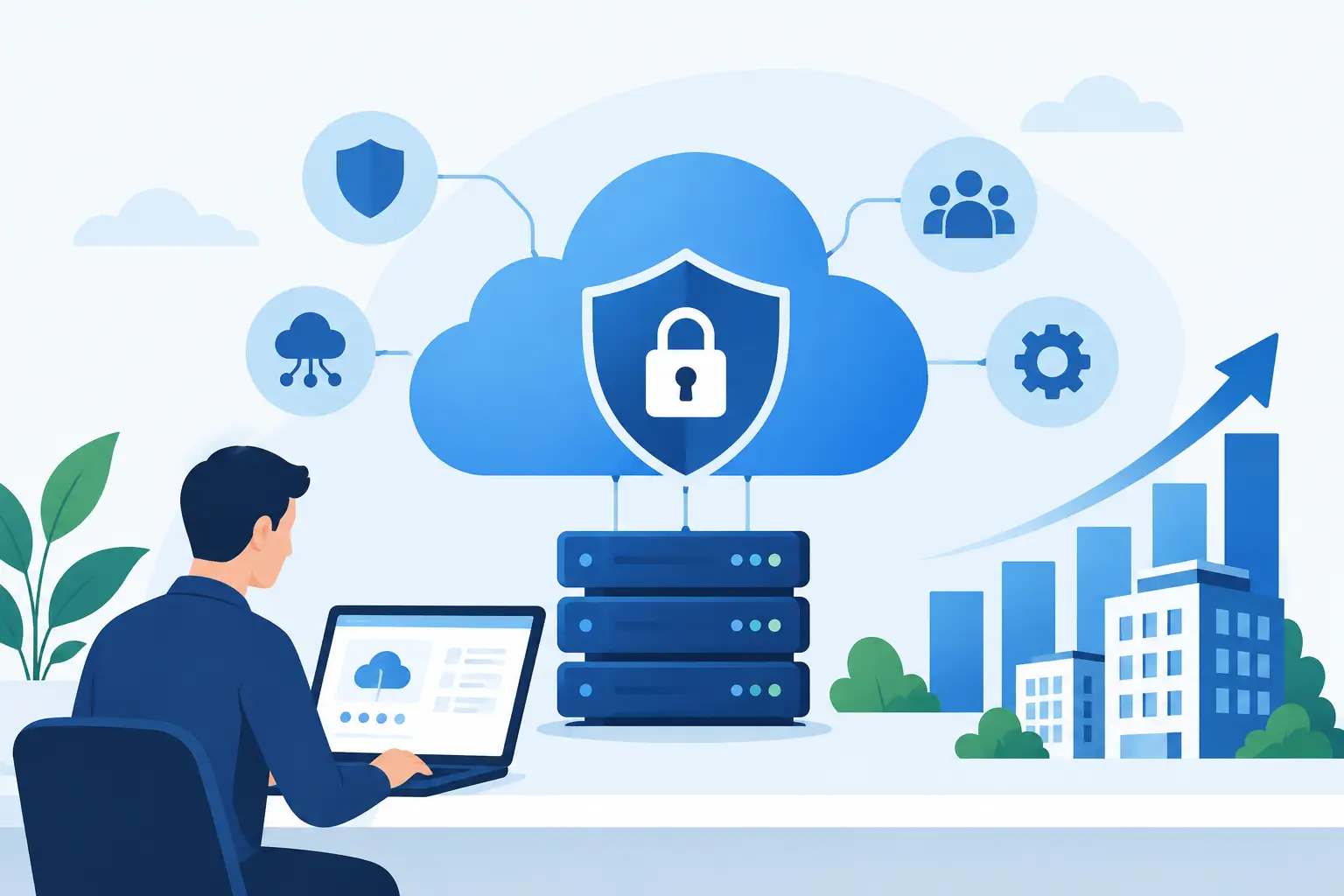
Cybersecurity should also be part of the POS decision. Payment and customer data require controlled access, secure cloud infrastructure, user management and monitoring. Convenience is valuable, but not if it creates unnecessary exposure for the business or its customers.
Choose a POS that fits the whole operation
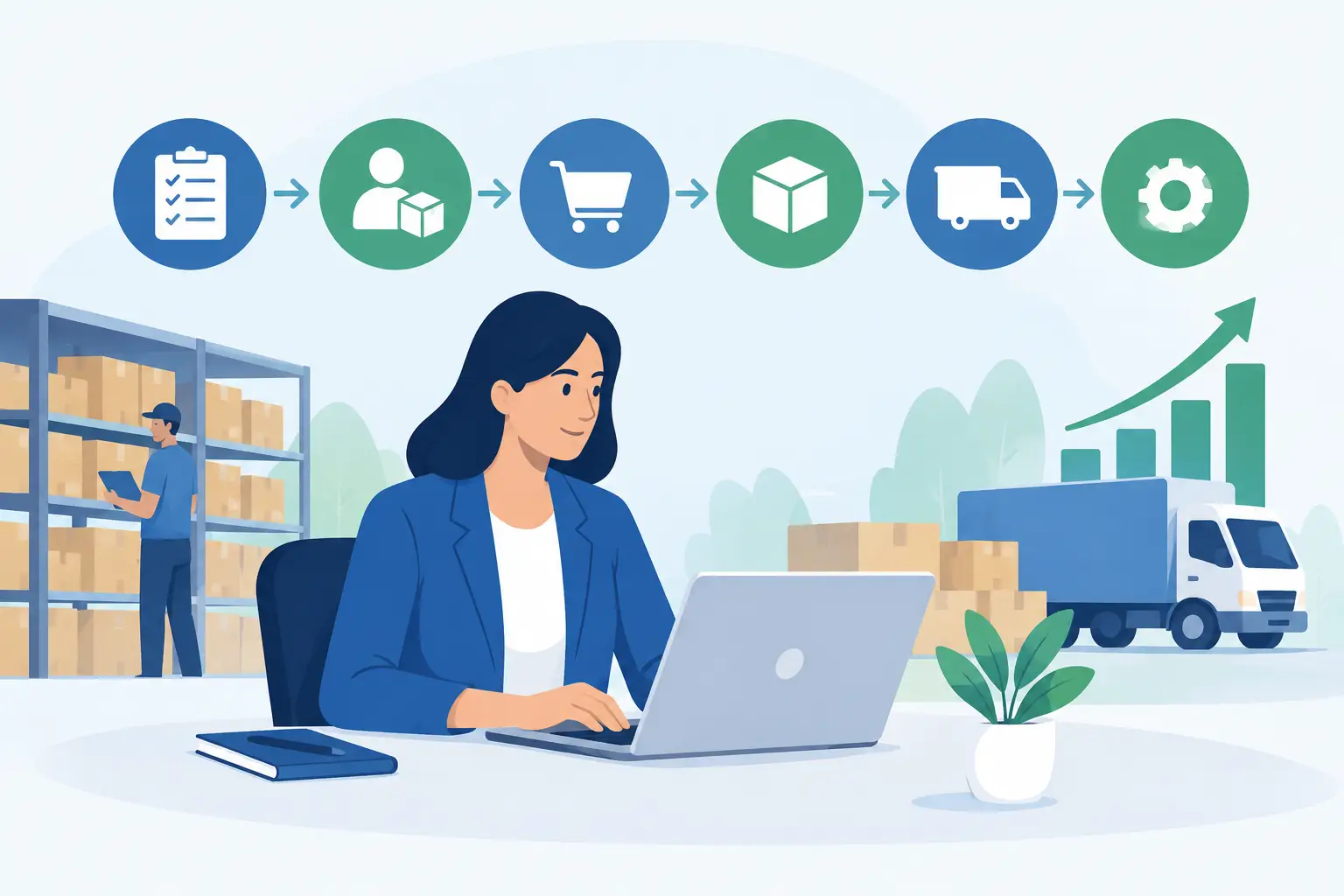
Before selecting software, map a normal sale from start to finish. Include the counter interaction, stock movement, payment settlement, invoice or receipt, accounting entry, reporting and any fulfilment or production step that follows. Then map the exceptions: returns, damaged stock, special pricing, deposits, offline periods and account customers.
This exercise quickly shows whether a POS is merely a payment screen or a connected operational tool. OneBusiness is designed for organisations that need point-of-sale activity to work with financials, inventory, production, projects and industry-specific workflows in one cloud platform.
The most useful next step is to test your real scenarios with the people who use them: a cashier, store manager, finance officer, warehouse lead and owner. If the system makes their daily work clearer, faster and more accountable, it is likely to support growth without adding another disconnected tool.