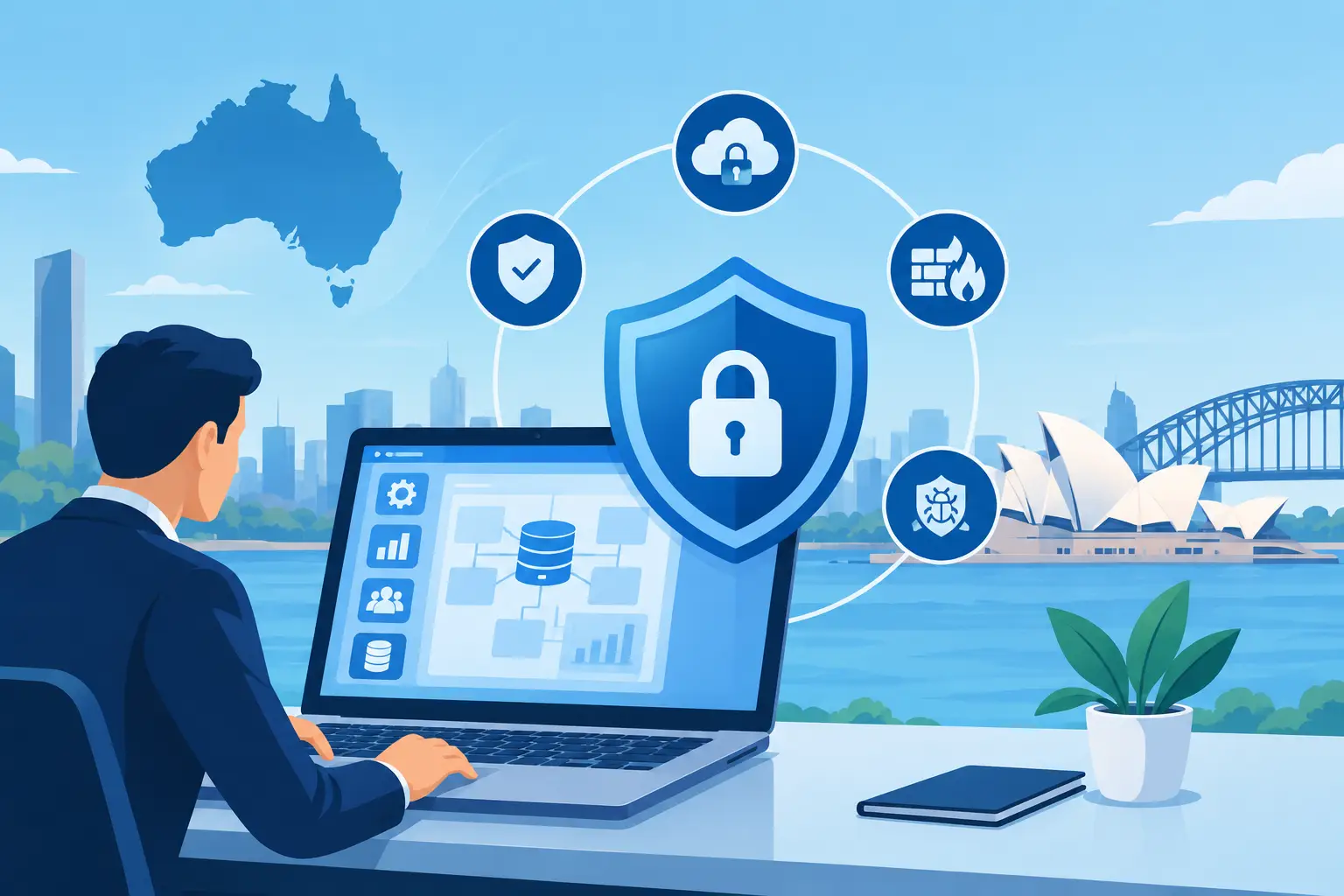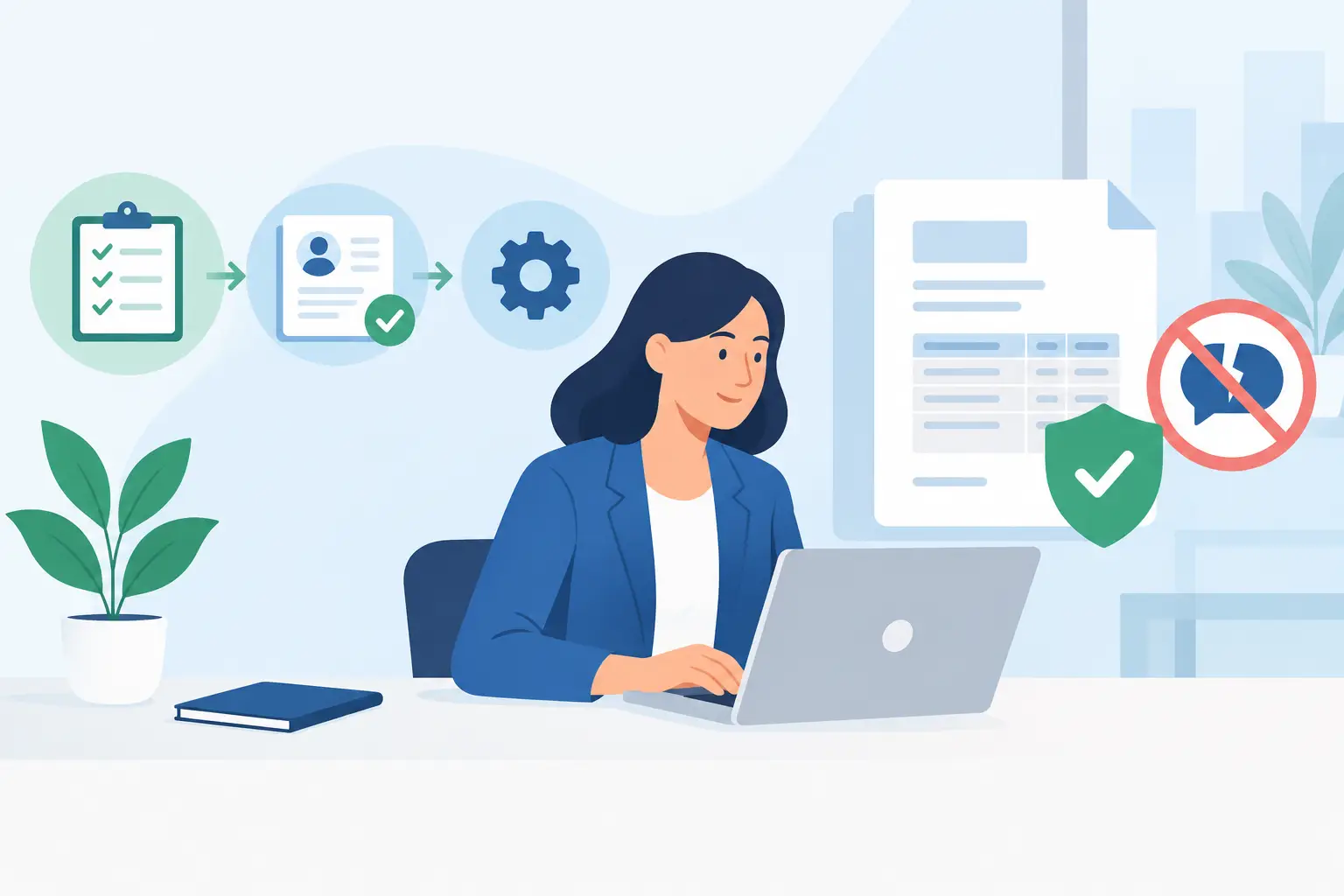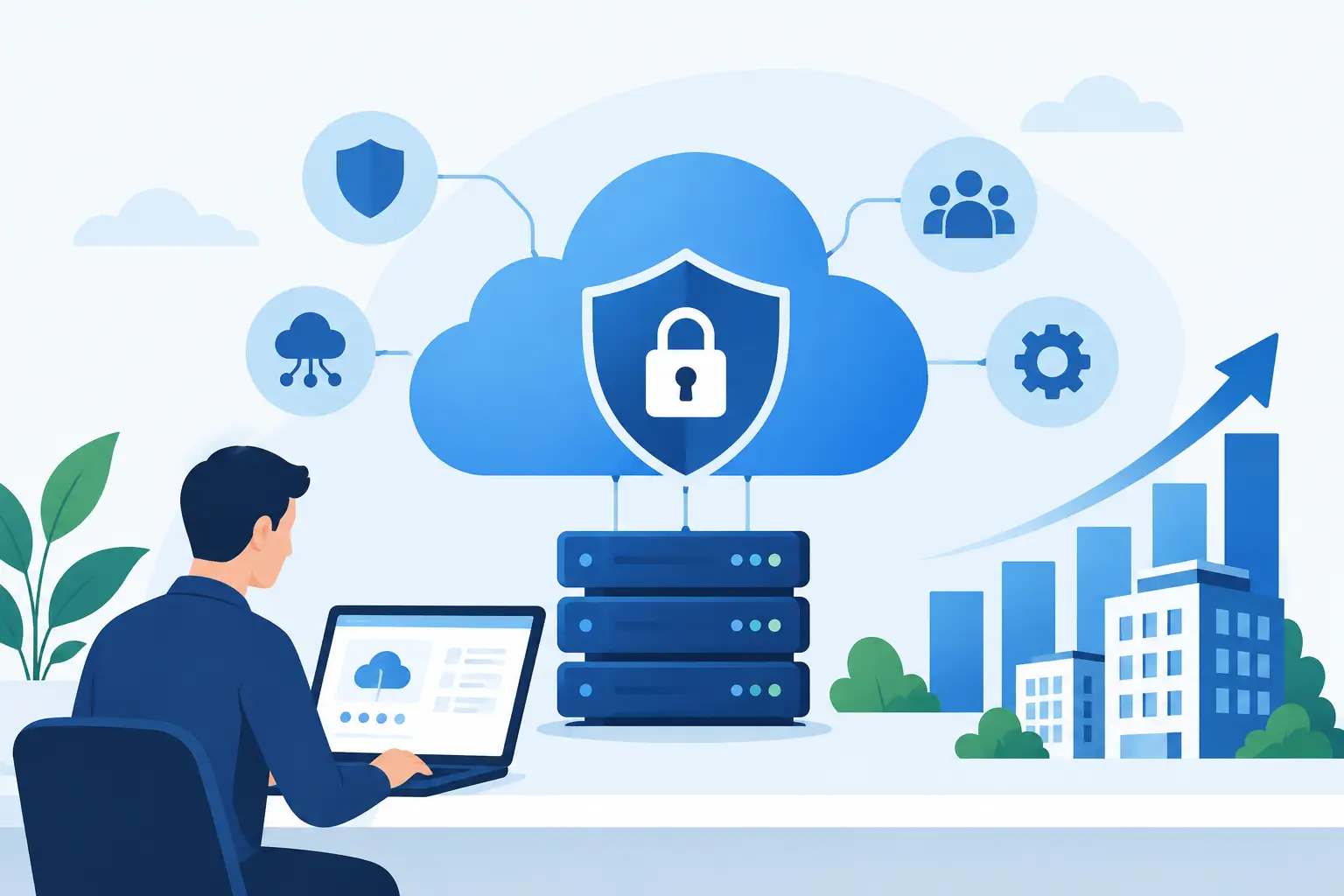
A cloud ERP security review is not just an IT exercise. For a manufacturer, warehouse, labour-hire firm or multi-site retailer, it is a practical check on who can approve payments, alter stock records, view payroll, access production data and connect equipment to the wider business system. When those controls are unclear, a small access issue can quickly become a financial, operational or customer-service problem.
Cloud ERP can give growing businesses one place to run accounting, inventory, sales, projects, production and reporting. That connected view creates real value, but it also means the platform holds information that deserves careful protection. A useful review looks beyond passwords and asks whether security supports the way the business actually operates.
What a cloud ERP security review should examine
The goal is not to make the system difficult to use. It is to give each person the access they need to do their job, while preventing unnecessary access to sensitive functions and data. Security needs are different for a finance manager approving supplier payments, a storeperson receiving stock on a mobile device and a production supervisor monitoring machine data.
A well-run review normally considers identity and access controls, data protection, integrations, monitoring, business continuity and the day-to-day habits of users. It should also account for industry workflows. A plantation may need to protect harvest records and contractor details. A factory may need to control PLC or machine connectivity. A labour-hire business may need stronger oversight of employee records, timesheets and client billing.
Start with people, roles and approval limits
Most ERP security weaknesses begin with access that is too broad, too old or poorly understood. Staff change roles, casual employees finish assignments, and external accountants or implementation partners may retain access longer than intended.
Review every user account against a current role. The question is not simply whether the user is legitimate. It is whether their permissions match their responsibilities today. A purchasing officer may create purchase orders but should not necessarily approve them and release payment. A warehouse team member may adjust stock quantities within set tolerances, while higher-value write-offs require management approval.
Role-based access is particularly valuable because it reduces reliance on one-off permissions. Build roles around real work, such as accounts payable, production planning, dispatch, retail point of sale or project administration. Then apply separation of duties to higher-risk processes. No control removes every risk, but separating request, approval and payment functions makes errors and fraud easier to identify.
Multi-factor authentication should be enabled for administrator accounts and, where practical, all users. It adds a small extra step at sign-in, but it is one of the most effective protections against compromised passwords. For businesses with field staff, shift workers or multiple sites, the process should be simple enough to support adoption rather than encourage workarounds.
Review the data that keeps operations moving
ERP data is more than the general ledger. It may include supplier bank details, customer pricing, employee information, formulas, production schedules, equipment readings, sales history and management reports. A cloud ERP security review should identify which information is most sensitive and where it is stored, shared and exported.
Start with the data flows that cross department boundaries. For example, a sales order may trigger stock allocation, production planning, invoicing and Power BI reporting. If a user can download large customer or price lists without oversight, the commercial risk may be greater than a single incorrect transaction.
Encryption should protect data when it moves between users, integrations and the platform, as well as when it is stored. Backups also need protection. A backup is useful only if it is available, secure and tested for recovery. Ask how frequently backups are taken, where they are retained, who can restore them and whether a restoration test has been completed recently.
Data retention needs operational judgement. Keeping records supports traceability, warranty claims, tax obligations and audits. Keeping everything forever can increase risk and storage complexity. Set retention rules that reflect legal requirements, contractual obligations and the practical needs of finance and operations.
Check integrations, devices and machine connections
Connected ERP environments often include payment gateways, e-commerce platforms, payroll systems, barcode scanners, point-of-sale devices, business intelligence tools and industrial machines. These connections reduce manual work, but each one introduces another path into or out of the system.
Document every integration, including its purpose, data exchanged, account owner and authentication method. Remove integrations that are no longer used. Where available, use dedicated service accounts with only the permissions required, rather than personal user credentials. Credentials should be rotated when staff or suppliers change.
For manufacturing and process-based operations, the boundary between operational technology and business systems needs particular care. PLC and machine data can improve production visibility, maintenance planning and traceability. However, an ERP connection should not expose machine controls unnecessarily. Segment networks, limit remote access and define clearly whether data is read-only, whether commands can be sent, and who authorises configuration changes.
Mobile devices and shared terminals deserve the same attention. A tablet used for warehouse receiving or retail sales should lock automatically, run supported software and use individual logins wherever possible. Shared credentials may appear convenient during a busy shift, but they remove accountability when a transaction needs to be investigated.
Turn logs into useful oversight
Security logs are valuable only when someone can act on them. Your ERP should record meaningful events such as failed sign-ins, new user creation, permission changes, supplier bank detail changes, unusual stock adjustments, large data exports and changes to approval settings.
Finance and operations leaders do not need to read every event. They do need reporting that highlights exceptions. A weekly review of changed bank details, high-value credits, manual journal entries and inventory adjustments can identify issues before month-end. Power BI dashboards can make these patterns easier to see, provided sensitive reports are also governed by suitable access controls.
Define what happens when an alert is raised. Who investigates a suspicious login? Who contacts a supplier if payment details change? Who can disable an account outside business hours? A short, tested incident response process is more useful than a lengthy policy that no one can find when pressure is high.
Test recovery, not just prevention
A security incident may involve ransomware, an unavailable cloud service, accidental deletion or a failed integration that corrupts data. Prevention matters, but operational resilience determines how well the business responds.
Test whether essential functions can continue if the ERP is temporarily unavailable. Finance may need an approved process for urgent payments. Warehouse teams may need a controlled method to receive and dispatch goods offline. Production teams may need access to the latest schedule and quality instructions. These temporary processes should be documented, limited and reconciled once the system is restored.
Recovery testing should include the people who use the system, not only IT. A restore that works technically but leaves the business unable to reconcile stock, invoices or timesheets is not a complete recovery. Set realistic recovery targets based on the cost of downtime for each operation.
Make security part of operational management
The strongest control environment is maintained, not installed once. Schedule access reviews at least quarterly, and review privileged accounts more frequently. Reassess controls after acquisitions, new sites, major workflow changes, staff turnover or the addition of new integrations.
Training should be brief, relevant and repeated. Show users how to recognise a fake invoice email, why they must not share logins, and how to report a mistake quickly. People are more likely to follow security processes when they understand the operational reason behind them, such as preventing incorrect payments or protecting customer orders.
For many growing organisations, managed monitoring and specialist support are sensible options, especially where internal IT teams are small. The right approach depends on the complexity of your environment, the sensitivity of your data and the consequences of downtime. A cloud ERP security review gives leaders a clear starting point: protect the controls that let the business keep moving with confidence.