A production supervisor cannot wait until month-end to find out whether a job is profitable. A warehouse manager cannot run a reliable dispatch floor when stock movements sit in spreadsheets until someone uploads them. These are the practical pressures behind the cloud versus on-premise decision. It is not simply an IT preference. It shapes how quickly your people can access data, improve processes, support new sites and respond when operations change.
For Australian businesses in manufacturing, warehousing, processing, retail, hospitality and labour hire, the right ERP deployment model must support the work happening on the floor, in the field and at the finance desk. The best choice depends on your risk profile, connectivity, internal capability and plans for growth.
Cloud versus on-premise: the practical difference
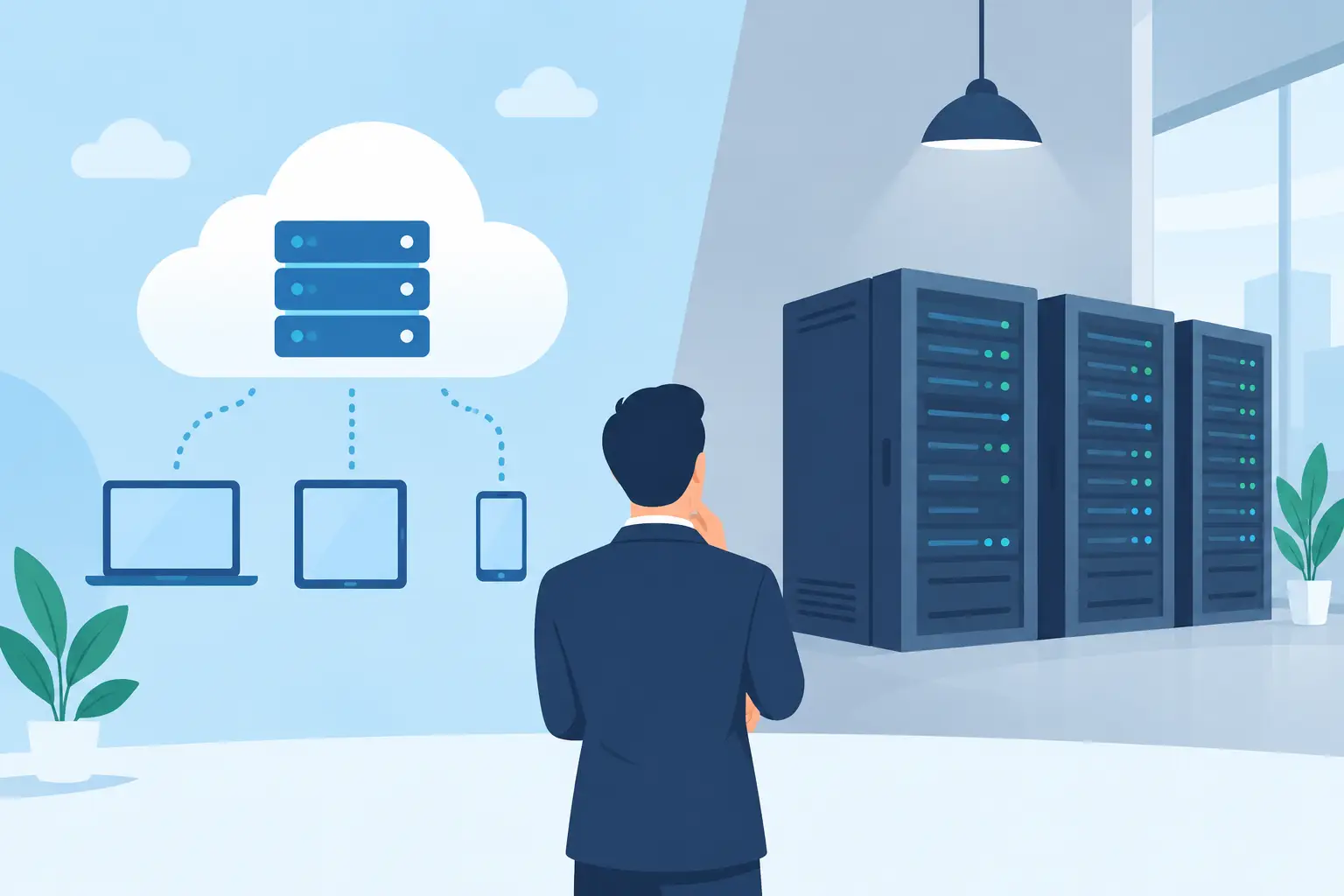
Cloud ERP is hosted in secure data centres and accessed through the internet. Your team logs in through a browser or application, while the provider manages the underlying infrastructure, software updates and much of the technical maintenance. This model is generally paid for as an ongoing subscription, with implementation, support and optional managed services agreed as part of the arrangement.
On-premise ERP is installed on servers owned or controlled by your organisation. Your IT team, or an external provider, is responsible for server capacity, operating systems, patches, backups, monitoring and hardware replacement. It can offer a high degree of direct control, but that control comes with ongoing responsibility.
Neither model is automatically better. A regional processor with intermittent connectivity and tightly controlled plant systems may have different requirements from a multi-site distributor that needs live stock visibility across depots, sales teams and mobile staff. The question is which model gives your business dependable control without creating unnecessary operational drag.
Where cloud ERP creates operational value
Cloud systems are often the stronger fit for businesses replacing disconnected accounting software, manual production records and spreadsheet-based reporting. Because financials, inventory, sales, purchasing, production and projects work from one platform, leaders can see changes as they happen rather than waiting for separate systems to reconcile.
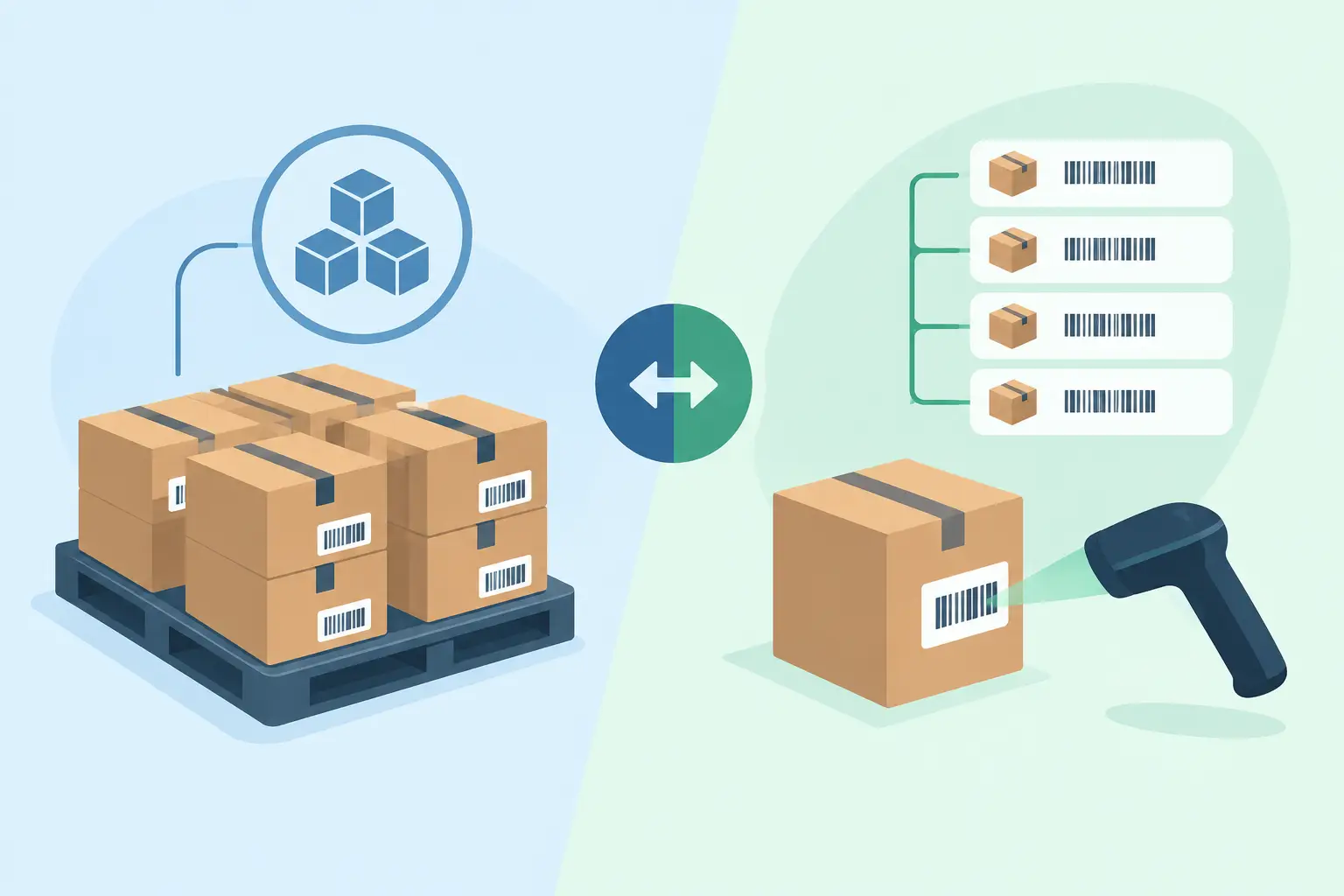
For example, when a warehouse receipt is posted, available stock can update for sales, purchasing and finance at the same time. When a production order consumes materials, the system can record inventory movements, work in progress and cost information against the job. When a labour-hire worker completes a shift, operational records can feed billing and payroll processes under the right controls. The value is not just remote access. It is a connected operational record.
Cloud deployment also reduces the infrastructure burden on smaller IT teams. Instead of planning server upgrades, checking backup jobs and replacing ageing hardware, the business can focus internal resources on system adoption, data quality, workflow design and reporting. Those are the areas most likely to improve outcomes for users.
Access is another consideration. Owners, supervisors and finance teams increasingly work across sites, travel between customers or need to approve activity outside standard office hours. A cloud platform can provide role-based access from a laptop, tablet or mobile, while keeping permissions specific to each user’s responsibilities. A warehouse operator does not need access to payroll information, and a finance manager does not need the ability to alter production settings.
Cloud ERP can also make expansion more manageable. Adding a new warehouse, retail outlet, project team or business unit should not require a new server installation at every location. With the right configuration, the organisation can use common charts of accounts, item records, approval rules and reporting while still preserving site-level controls.
The real cost is more than the licence fee
It is tempting to compare cloud subscriptions with the upfront purchase price of on-premise software. That calculation misses a large part of the picture. On-premise systems may involve server purchases, storage, networking equipment, backup infrastructure, disaster recovery planning, software upgrades, database administration and specialist support. Hardware may last several years, but it will eventually need replacement.
Cloud ERP generally changes this capital expense into an operating expense. Predictable monthly or annual costs can help businesses budget, particularly when they are growing or working across variable seasonal demand. However, subscription fees need to be assessed over a realistic period, including implementation, integrations, additional users, storage, support and configuration changes.
The more meaningful measure is total cost of ownership alongside business impact. Ask how much time your finance team spends reconciling systems. Consider the cost of stock discrepancies, delayed invoicing, unplanned downtime or decisions made on outdated reports. A lower software cost is not a saving if the system leaves your business relying on workarounds.
Security and control need clear ownership
Some organisations assume on-premise means more secure because the server is physically nearby. Others assume cloud automatically means stronger protection because it is managed by specialists. Both assumptions are incomplete.
Security depends on how well the environment is designed, monitored and operated. An on-premise system can be highly secure when it has disciplined patching, access management, backups, network controls, monitoring and tested disaster recovery. It can also become exposed when updates are delayed, accounts are poorly managed or a small IT team is stretched across too many responsibilities.
A well-managed cloud platform can provide strong controls such as encrypted connections, multi-factor authentication, permission-based access, backup processes, security monitoring and professionally managed infrastructure. Yet the customer still has responsibilities. Weak passwords, excessive user permissions and poorly defined approval workflows can undermine any deployment model.
For operationally complex businesses, control also means traceability. You should be able to see who changed a purchase order, approved a payment, adjusted inventory or altered a production record. Audit trails, delegated approvals and separation of duties matter as much as where the server sits.
Before choosing a model, establish who owns each security task. This should cover user access reviews, incident response, backup testing, software updates, device security and staff training. If an external provider manages these areas, make sure the scope is clear and that reporting is available.
When on-premise may still suit
On-premise can remain a valid option where operations need local processing with very limited internet access, where specific regulatory or contractual requirements mandate local hosting, or where an organisation already has a capable IT function and significant existing infrastructure. Some industrial environments also operate equipment or legacy applications that require carefully managed local integration.
Even then, the choice does not have to be entirely one or the other. A hybrid approach may retain selected local systems while connecting operational and financial data to cloud services for reporting, collaboration or broader ERP functions. The risk with hybrid environments is complexity. Every interface needs ownership, monitoring and a plan for failures, upgrades and data reconciliation.
Businesses should avoid keeping an on-premise system solely because it is familiar. Familiarity can hide risk. If the platform is difficult to update, dependent on one staff member or unable to provide timely data across sites, it may be limiting growth rather than protecting the business.
Questions to ask before selecting an ERP deployment model
A useful decision starts with daily workflows rather than infrastructure diagrams. Consider whether your teams need live access across multiple locations, whether internet reliability is sufficient at every site, and what must happen if a connection is interrupted. Map the points where inventory, production, sales, finance and labour information currently breaks down.
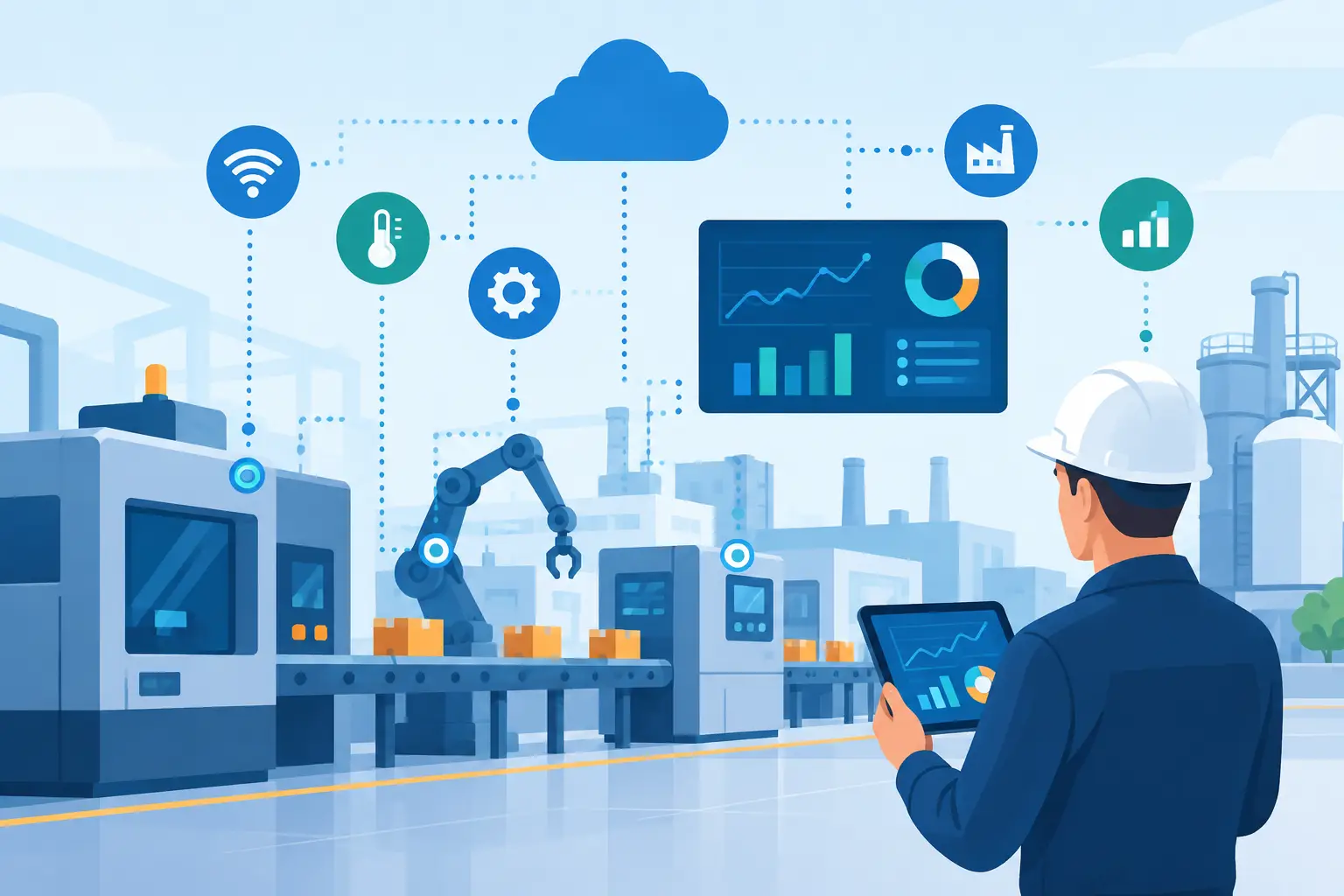
Then examine the future operating model. Will you add product lines, warehouses, machines, mobile teams or overseas suppliers? Do you need Power BI reporting, machine or PLC data integration, carbon accounting, automated approvals or AI-assisted customer interactions? These capabilities work best when the ERP can bring data together in a consistent structure.
Also be direct about internal capacity. If your team has the skills and time to manage servers, databases, patching and security operations to a high standard, on-premise may be viable. If not, managed cloud infrastructure can allow your people to focus on the system’s operational value instead of its plumbing.
OneBusiness is designed for organisations that need this connected approach: industry workflows, finance, inventory, production, analytics and configurable controls in one cloud platform. The objective is not technology for its own sake. It is giving each team a reliable view of the work they need to do.
A sound cloud versus on-premise decision should leave your business better able to act on real information. Start with the processes that cause delay or uncertainty today, then choose the model that gives your people the clearest path to control, accountability and practical growth.