
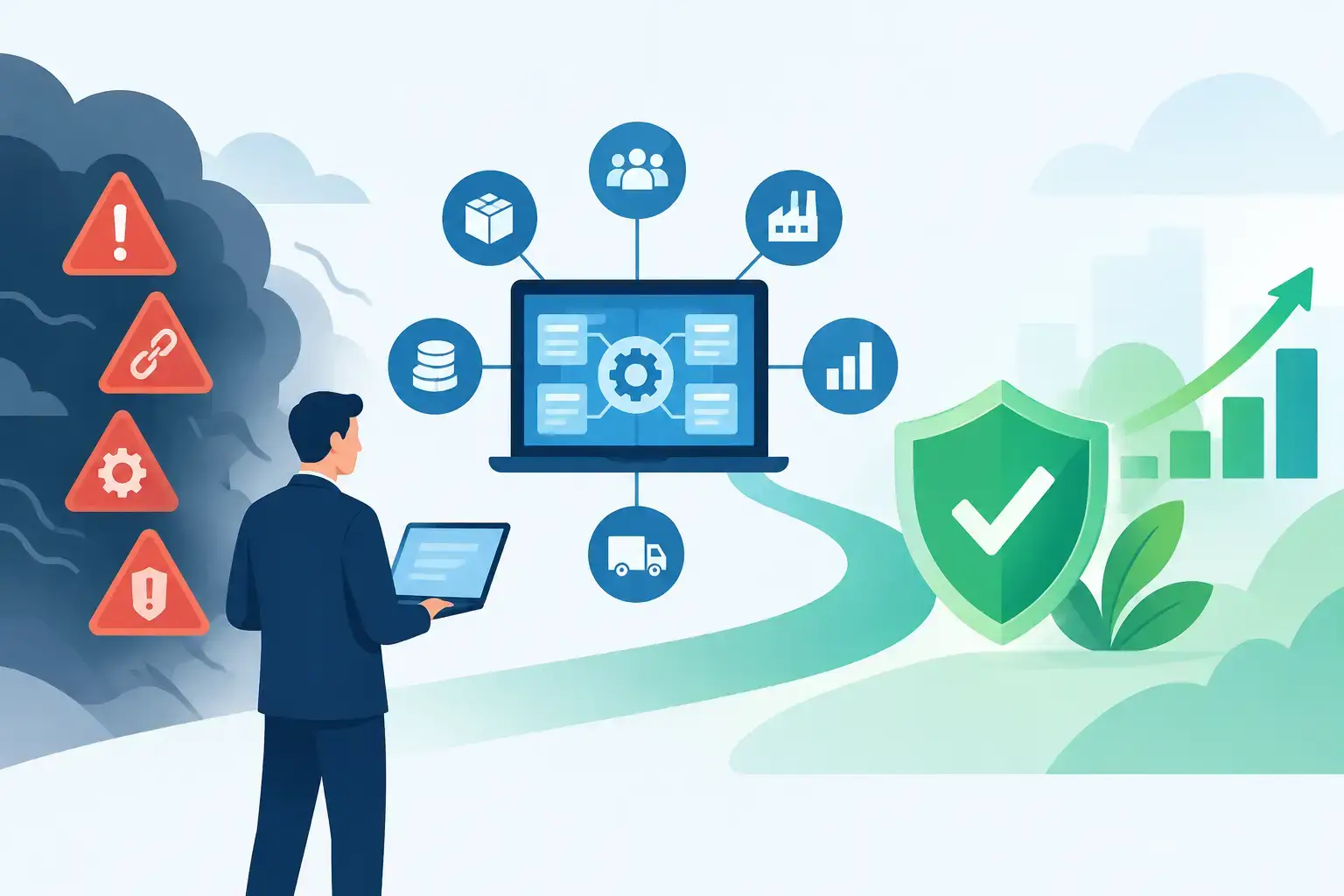
A new ERP can expose process problems that spreadsheets and disconnected software have quietly masked for years. That is why ERP implementation risks are rarely just technology risks. For a manufacturer, warehouse, plantation, hospitality venue or labour-hire business, a poor implementation can affect stock accuracy, production schedules, payroll confidence, customer billing and day-to-day decision-making.
The good news is that most risks can be identified early and managed with a practical implementation plan. The goal is not to make every workflow identical to the software. It is to create a connected operating model that gives finance, operations and management one reliable view of the business.
Why ERP implementation risks become operational risks
An ERP project touches the records and routines people depend on to get work done. Finance needs a clean chart of accounts and trustworthy reporting. Warehouse teams need stock movements recorded at the right time. Production managers need bills of materials, routing and machine data that reflect what happens on the floor. Sales teams need pricing, customer terms and invoicing rules they can use without workarounds.
When these requirements are treated as separate tasks, the project can look on track while operational gaps build underneath. Go-live then becomes the first time the business discovers that an approval is missing, a barcode process does not work in a busy dispatch area, or a production transaction cannot capture actual yield.
The strongest projects begin with the outcomes that matter: accurate margin by product, traceable inventory, faster month-end reporting, controlled labour costs, reliable project billing or a clearer production plan. Those outcomes provide a test for every configuration decision.
1. Choosing software that does not fit the real operation
A common mistake is selecting an ERP based on a generic feature checklist. Most platforms can produce an invoice, hold a stock balance and report revenue. The real question is whether the system supports the exceptions and controls that make your industry work.
For example, a process manufacturer may need batch traceability, yield and by-product handling. A plantation operator may need to connect harvest records, labour, inputs and field-level reporting. A labour-hire firm may need timesheets, award-related rules, client billing and worker compliance to align. A retailer may need point of sale, replenishment and financial reconciliation to operate from the same data.
Excessive customisation is also a risk. Configuration is valuable when it reflects a genuine business requirement, but custom code for every familiar legacy process can increase cost, testing effort and future upgrade complexity. The trade-off is worth discussing openly: change the process where a standard workflow is better, and customise where the process creates a clear operational or commercial advantage.
Before committing, map critical workflows from trigger to outcome. Include exceptions such as returns, rework, stock adjustments, credit holds, overtime, subcontracting and machine downtime. Ask operational users to validate the map, not just department managers.
2. Weak process ownership and unclear decisions
ERP projects slow down when nobody has authority to decide how work should be done. This is especially damaging in businesses where a single transaction affects several teams. A goods receipt may influence warehouse availability, purchase accruals, production planning and supplier payment. If each department configures its own view without a shared owner, controls become inconsistent.
Assign a business owner for each core process, such as procure-to-pay, order-to-cash, inventory control, production, projects and payroll-related administration. That person does not need to build the system. They need to make timely decisions, confirm the desired process and accept responsibility for testing it.
Executive sponsorship matters here, but sponsorship should be visible in practical ways. Leaders need to resolve cross-functional conflicts, protect staff time for workshops and testing, and avoid allowing the project to be repeatedly deprioritised during busy trading periods.
3. Poor data quality carried into the new system
Migrating inaccurate data simply gives old errors a new home. Duplicate customers, inconsistent item codes, obsolete stock records, incomplete supplier terms and poorly structured account codes can undermine confidence from the first week.
Not every historical record needs to move. In many cases, opening balances, active master data, open orders, open invoices and required compliance history are enough. The decision depends on reporting needs, audit requirements and the cost of cleaning older data. Historical information can sometimes remain available in a read-only source rather than being forced into the new ERP.
Data cleansing needs named owners. Finance should validate balances and account structures. Operations should validate items, units of measure, stock locations, bills of materials and routings. Sales should validate customers, pricing and terms. IT should confirm data formats, access rules and migration controls.
Run at least one full migration rehearsal before go-live. Reconcile totals, sample individual records and test downstream transactions. A stock figure that imports correctly is not necessarily usable until a team can receive, pick, transfer, manufacture and count against it.
4. Underestimating integrations and shop-floor connectivity
Modern operations rarely run on ERP alone. They may use ecommerce platforms, bank feeds, point-of-sale terminals, freight systems, payroll tools, mobile time capture, weighing equipment, barcode scanners, PLCs or industrial machines. An integration that is described as simple can still create exceptions, delays and duplicated work if the data ownership is unclear.
Define what each connected system is responsible for. If a machine or PLC provides production counts, determine whether it is the source of truth for quantities, downtime or quality events. If an ecommerce platform captures an order, establish which system owns customer details, pricing, fulfilment status and refunds.
Integration design should cover failure handling, not only the happy path. Teams need to know what happens when a connection is unavailable, a transaction is rejected or duplicate data is received. Monitoring and clear alerts are practical controls, particularly where machine data or high transaction volumes are involved.
5. Insufficient testing with real scenarios
A demonstration proves that a feature exists. It does not prove that your operation can use it under normal pressure. Testing must include the transactions people complete at month-end, during a stocktake, at the dispatch cut-off, after a production variance or when a customer changes an order.
Build test scripts around real scenarios and expected outcomes. Testers should confirm both the process and the resulting records: inventory movements, general ledger postings, job costs, invoices, approvals and management reports. Include negative tests as well. Can an unauthorised user adjust stock? Does the system stop a shipment when a customer is on credit hold? Can a production order be closed with missing consumption?
User acceptance testing is where operational teams gain confidence and where configuration problems are cheapest to fix. Rushing it to preserve a go-live date often moves the cost into the first weeks of operation.
6. Treating change management as a training session
Training is necessary, but it is not the whole change plan. People need to understand what is changing, why it is changing and what they should do when the system does not match an unusual situation. A warehouse supervisor, accounts officer and production planner will each need different guidance, examples and support.
Start with role-based training using realistic data and workflows. Short sessions close to go-live are often more effective than a single broad session months earlier. Provide simple work instructions for high-volume and high-risk tasks, such as receipting stock, approving invoices, raising credit notes and recording production consumption.
Super users are valuable because they combine system knowledge with credibility on the floor. They can spot where a new workflow is being bypassed and help colleagues resolve issues before they become informal workarounds.
7. A go-live plan with no safety margin
Go-live should be managed as an operational transition, not a software switch. Timing matters. Avoid periods such as financial year-end, major seasonal demand, a large stocktake or a critical production run where possible. A phased rollout can reduce exposure for complex businesses, although it may temporarily require interfaces or dual processes.
Create a cutover plan that identifies final data loads, user access, open transactions, communications, support contacts and decision points. Define who can approve a change to the plan and who can make urgent decisions during the first days of operation.
After go-live, track issues by business impact rather than by the loudest request. Problems that stop invoicing, payroll administration, receiving or production reporting should be prioritised ahead of minor display preferences. Daily reviews during the stabilisation period give leaders a clear view of risk, ownership and progress.
Building control into the implementation
The best defence against ERP implementation risks is disciplined visibility. Maintain a live risk register with an owner, likelihood, impact, mitigation and decision date for each material issue. Review it with business leaders often enough to act, not simply to report.
Security and access controls belong in this conversation from the start. Role-based permissions, approval limits, audit trails, backup arrangements and managed cybersecurity practices protect the business while preserving practical access for staff. The same applies to reporting: agree on core operational and financial measures early, then validate that dashboards and Power BI reports are drawing from trusted data.
A capable implementation partner should challenge assumptions as well as configure software. OneBusiness approaches this work by connecting ERP modules with industry workflows, analytics, AI-enabled assistance and, where required, machine and PLC data. The technology matters, but the value comes from designing a process that people can run confidently every day.
Treat implementation as an opportunity to remove duplicate entry, unclear hand-offs and unreliable reporting. When decisions are owned, data is clean and testing reflects real work, the ERP becomes more than a new system. It becomes a practical control point for a business ready to grow.