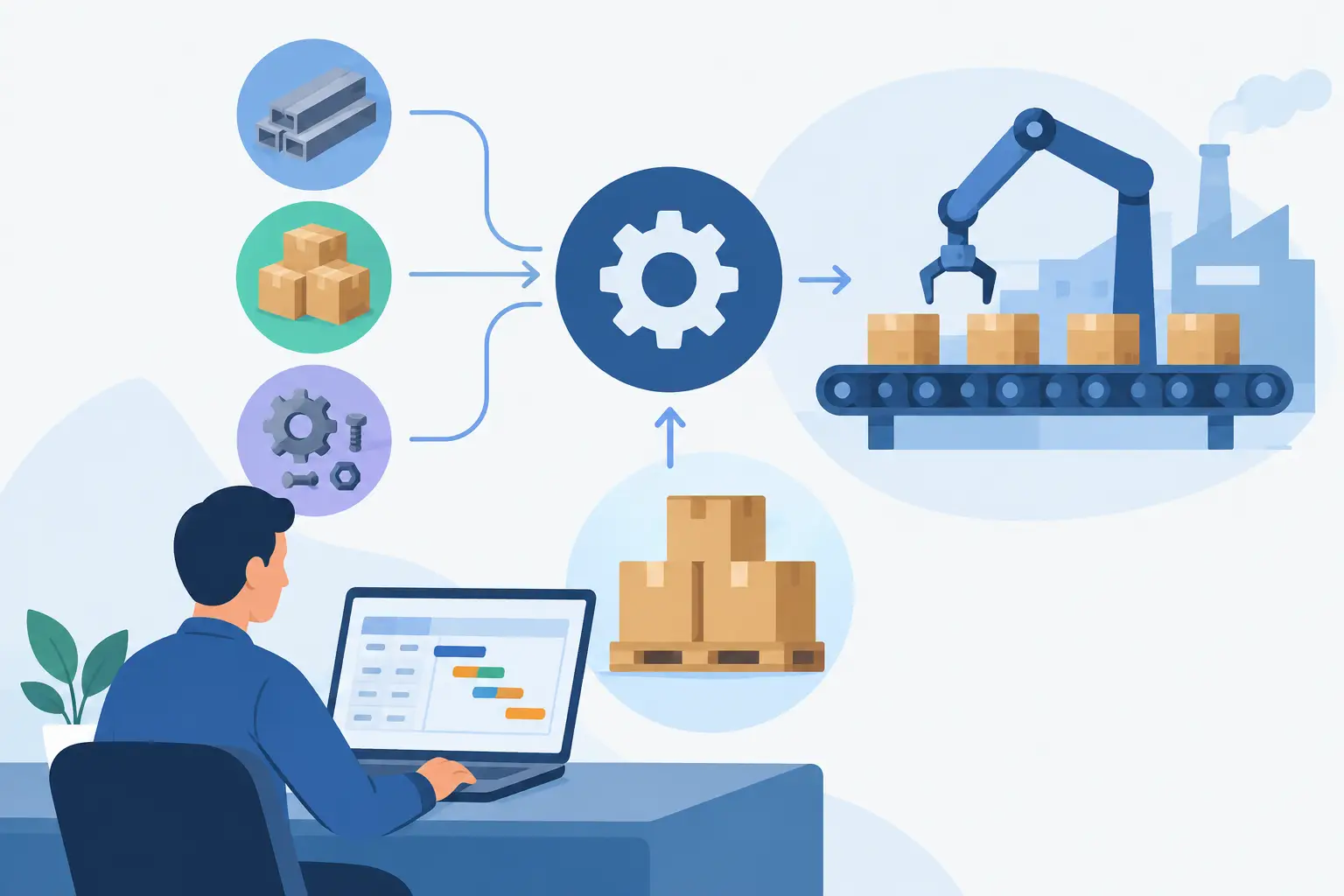

A failed stock update at 4.45 pm can create a chain reaction: sales promises goods that are not available, warehouse teams chase the wrong pick list, finance sees an incorrect margin, and production plans against unreliable demand. An ERP integration review is how a business finds these failure points before they become daily operational problems.
For manufacturers, distributors, labour-hire firms, hospitality operators and process businesses, ERP integrations are not background IT work. They determine whether financials reflect what happened on the floor, whether stock figures can be trusted, and whether managers can act on current information rather than yesterday’s spreadsheet.
What an ERP integration review should answer
An integration review assesses how the ERP exchanges information with other systems, equipment and services. That may include e-commerce, banking, payroll, point of sale, freight systems, customer portals, Power BI reports, industrial machines, PLCs, barcode scanners or existing line-of-business applications.
The central question is not simply, “Does it connect?” Most systems can pass a basic test record. The more useful question is whether the integration supports the real workflow under normal pressure, exceptions and growth.
For example, a retail business may need its point-of-sale system to update stock and sales immediately. A food processor may need production data from a machine or PLC to record output, waste and batch consumption accurately. A labour-hire business may need approved timesheets to flow into payroll and client invoicing without creating duplicate entries. Each connection has a different operational standard.
A good review clarifies five things: what data moves, when it moves, who owns it, what happens when it fails, and how users can verify the result. Without those answers, integration projects often rely on assumptions that surface only after go-live.
Start with the workflow, not the connector
Teams can become focused on APIs, field mappings and vendor checklists too early. These details matter, but the review should begin with the work people actually perform.
Map a transaction from its starting point to its financial and operational outcome. In a warehouse, that may start with a purchase order, continue through receipting and quality checks, then update available stock, supplier liabilities and replenishment reporting. In manufacturing, it may run from a sales forecast to a production order, material issue, machine output, finished goods receipt and cost posting.
At each stage, identify the source of truth. If the warehouse management system controls bin locations but the ERP controls product, batch and valuation data, the boundary must be clear. When both systems can edit the same field, conflicts are likely. This is especially risky for item descriptions, customer records, pricing, stock adjustments and employee details.
It also helps to document practical exceptions. What happens when a barcode will not scan, an internet connection drops, an order is cancelled after picking, or machine data arrives late? A connection that works only in the ideal path can still leave staff with manual reconciliation at the end of every shift.
Review data quality before data mapping
Integration does not repair poor master data. It can distribute the problem faster.
Before mapping fields, review item codes, units of measure, tax settings, customer accounts, supplier records, chart-of-accounts codes and location names. Check whether every system uses the same terms and formats. A product sold by carton in one system and by each in another requires a defined conversion rule. A batch number that is optional at dispatch cannot provide reliable traceability later.
Historical data needs the same care. Not every old record belongs in the new ERP. Businesses should retain what they need for compliance, reporting and customer service, while avoiding the cost and confusion of importing outdated or duplicated records. The right choice depends on industry requirements, transaction volume and how often staff need to access older information.
Finance teams should pay close attention to posting logic. Confirm how sales, purchases, inventory movements, work in progress, payroll costs and freight charges reach the general ledger. An operational transaction is not complete if it creates an accounting outcome that cannot be reconciled.
Test the data that causes trouble
Use realistic records rather than a handful of clean sample transactions. Include cancelled orders, partial deliveries, credit notes, backorders, split payments, negative stock scenarios, returned goods and unusual tax treatments where relevant.
For process industries, test lot and batch traceability from incoming material through production to finished goods. For plantations, test harvest records by block, labour allocation and yield reporting. For professional services, test project costs, timesheets and billing variations. The integration needs to reflect the business you run, not a generic demonstration environment.
Check timing, volume and performance
A system can be accurate and still be operationally unhelpful if updates arrive too late. Decide which information requires real-time exchange, which can run every few minutes, and which can be processed overnight.
Stock availability, point-of-sale transactions, payment status and production alerts may need near-real-time updates. Payroll journals, historical reporting extracts and some supplier catalogue updates may tolerate scheduled processing. Real-time connections can add cost and complexity, so they should be used where the commercial or operational benefit justifies them.
Volume is equally important. Test peak conditions such as end-of-month invoicing, a promotion weekend, seasonal harvest activity or a large production run. Ask whether the integration can manage retries without creating duplicate transactions. Check rate limits, queue behaviour and the time needed to recover after an outage.
For machine and PLC integration, confirm the data interval, equipment identifiers, measurement units and treatment of missing readings. Capturing machine information is valuable only if supervisors can relate it to production orders, downtime, quality events and maintenance decisions.
Make failure visible and recoverable
Every integration will eventually encounter a network interruption, expired credential, invalid data value or vendor service outage. The review should assess how quickly the business can detect the issue and recover without corrupting records.
Useful controls include clear error messages, alerting for failed jobs, transaction logs, retry rules and a simple process for authorised staff to resolve exceptions. A warehouse manager should not need to search technical logs to learn why an order did not appear. Equally, automatic retries should not generate duplicate invoices or repeated inventory movements.
Security belongs in the review as well. Check who can access the integration, where credentials are stored, what data is transmitted and whether permissions follow least-privilege principles. Customer, employee, payroll and financial data require appropriate protection. Managed monitoring and cyber security services can reduce the burden on internal teams, but accountability for access and process still needs to be defined.
Validate reporting and decision-making
Integration success is often judged by whether transactions arrive in the ERP. That is only half the test. Managers also need reports and dashboards that show the correct operational position.
Reconcile a sample of key measures across source systems and the ERP: sales by day, inventory on hand, inventory valuation, open orders, labour cost, production output, gross margin and accounts receivable. If Power BI is used, validate that its refresh schedule and measures align with the ERP’s approved financial logic.
Carbon accounting and sustainability reporting deserve similar scrutiny where they form part of the operating model. Energy, fuel, material use and waste data need consistent units, ownership and time periods. A dashboard can look polished while combining mismatched data sources.
The final test is whether a department head can use the report to make a decision with confidence. If they still export figures into spreadsheets to reconcile them, the integration or reporting design needs further work.
A practical ERP integration review checklist
Before approving go-live, bring operations, finance, IT and relevant department leaders together to confirm that:
- each workflow has an agreed source of truth and a documented owner;
- master data, units of measure, tax rules and account mappings have been validated;
- normal transactions and exception scenarios have been tested with realistic volumes;
- timing requirements are suitable for sales, stock, production and financial processes;
- failures trigger useful alerts, can be corrected safely and leave an audit trail; and
- operational and financial reports reconcile to agreed figures.
This review is not a one-off gate at the end of implementation. New sales channels, equipment, sites, reporting needs and compliance obligations can all change the way systems need to work together. Review priority integrations after major process changes and at planned intervals.
OneBusiness can support this approach by bringing ERP modules, configurable industry workflows, machine connectivity, analytics and managed services into a connected cloud operating platform. The value is not merely fewer applications. It is giving finance and operational teams the same dependable picture of what is happening.
The most useful question to take into any go-live meeting is simple: when a transaction goes wrong at the busiest time of the week, will the right person know what happened and be able to fix it? If the answer is clear, your integration is far more likely to support confident day-to-day operations.