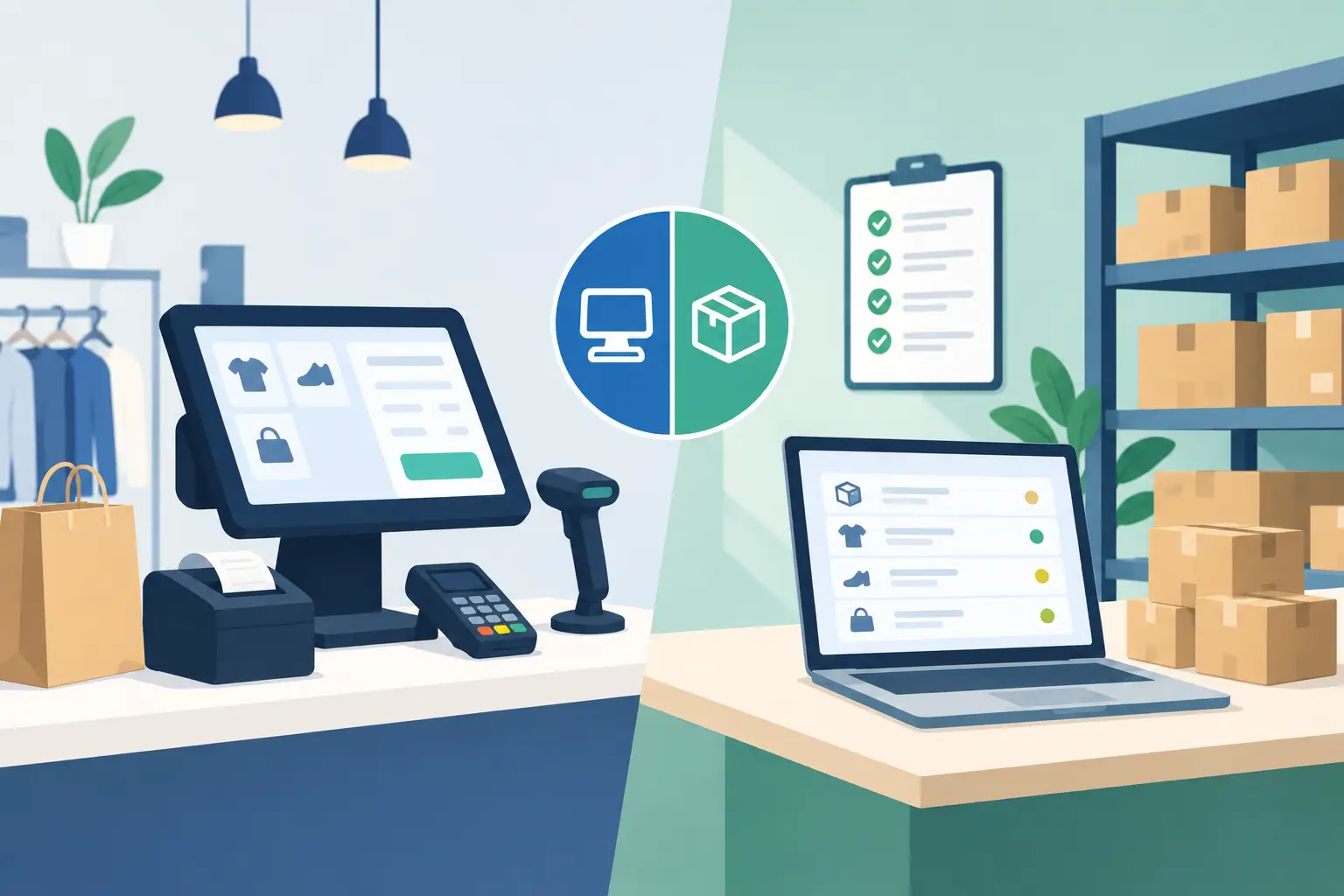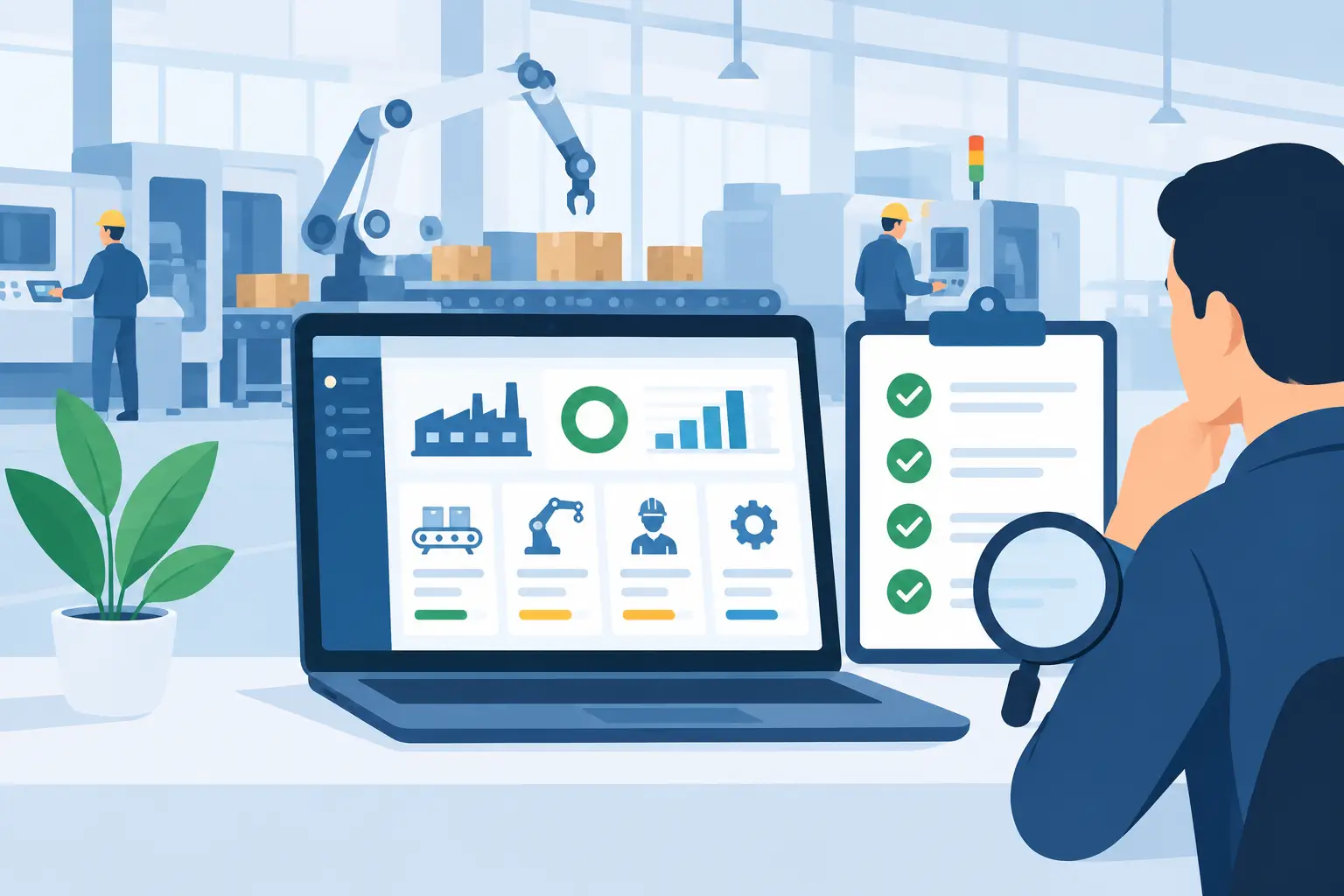
A production manager should not have to walk the factory floor, ring the warehouse and chase a spreadsheet to learn whether an order can ship today. That is the practical test behind any manufacturing execution software review: does the system turn live shop-floor activity into decisions the business can act on? For Australian manufacturers managing tight margins, changing material costs and customer delivery commitments, visibility is only valuable when it connects production, inventory and finance in one place.
Manufacturing execution software, commonly called MES, sits close to the work. It records what was made, where it is in the process, which materials were consumed, who completed the work and what happened when production did not go to plan. The right platform can reduce manual records and late surprises. The wrong one can add another screen, another data silo and another project for the team to maintain.
What manufacturing execution software should deliver
At its best, MES gives supervisors and planners a current view of work orders, jobs in progress, machine status, labour activity, quality checks and finished output. Rather than waiting until the end of a shift or week, teams can identify slow-running operations, material shortages, rejected batches and jobs that are likely to miss their due date.
That capability matters differently across manufacturing models. A discrete manufacturer may need routing, serial tracking and accurate job costing. A process manufacturer may care more about formula control, batch traceability, yields, by-products and quality hold points. A tannery, garment washing operation or food processor can require both detailed process records and the flexibility to handle variation on the floor.
A useful system should support the way work actually occurs, including rework, partial completions, substitute materials, downtime and approved exceptions. If software only works when every job follows the ideal route, operators will return to paper, whiteboards or unofficial spreadsheets within weeks.
Manufacturing execution software review: key criteria
The strongest reviews look beyond a feature checklist. Most platforms can claim scheduling, reporting and traceability. The meaningful question is how reliably those functions work with your products, machinery, staff and existing business processes.
Integration with ERP, inventory and finance
MES creates value when its production data updates the wider business without manual re-entry. Production completions should affect stock on hand. Material consumption should update inventory values. Labour and machine time should flow into job costing. Sales teams should see realistic availability and expected completion dates rather than making promises based on outdated figures.
There are two common approaches. Some businesses buy a separate MES and integrate it with an ERP. This can be appropriate where a specialist shop-floor product is already proven in a highly complex environment. However, it also introduces integration ownership, duplicated master data and a greater chance that finance and operations report different numbers.
For many small and mid-sized manufacturers, a connected ERP and production platform is more practical. OneBusiness is designed around this model, bringing production planning, warehouse control, financial accounting, sales and reporting together while allowing industry workflows to be configured around the operation. The advantage is not simply fewer applications. It is a shared source of truth for materials, work orders, costs and customer commitments.
Shop-floor usability
Software is only as accurate as the information people enter. Operators need screens that are clear, fast and appropriate for the environment, whether they are using a tablet beside a line, a workstation in a packing area or a mobile device in the yard. Common transactions such as starting a job, recording output, logging scrap or reporting a stoppage should take seconds, not a training manual.
Assess whether the software supports barcode scanning, role-based screens and simple approval paths. Ask to see how it handles an exception, not only a perfect production run. Can an operator record a rejected quantity? Can a supervisor place material on hold? Can the planner revise the schedule with an audit trail? These details determine adoption.
Traceability and quality control
Traceability requirements are rising across regulated, export-oriented and customer-sensitive industries. Even where formal compliance is not the main driver, the ability to trace a finished item back to its material lot, supplier, operator, machine and production date can protect margins and customer relationships.
A credible system should let teams trace forwards and backwards. If a supplier issue is found, you should be able to identify affected batches, jobs and customers quickly. If a customer raises a quality concern, you should be able to see the exact materials and process steps involved. Quality checks should be part of the production workflow, with defined hold points, specifications, results and corrective actions, rather than a separate document stored elsewhere.
The appropriate depth depends on risk. A make-to-order metal workshop may not require the same batch genealogy as a processor, while both still benefit from controlled job records and evidence of quality checks. Do not pay for complexity that your team will never use, but do not accept vague traceability where recalls, warranties or certifications could expose the business.
Machine, PLC and data capture capability
Manual production reporting is often delayed, incomplete or shaped by the pressure of a busy shift. Machine and PLC connectivity can improve timeliness by bringing run time, counts, stops, temperatures or other operational signals into the system automatically.
This is valuable, but it deserves careful review. A machine connection does not automatically create useful insight. Confirm which signals can be collected, how they are validated, who maintains the connection and what happens when a network or device is unavailable. Older equipment may need gateways or practical workarounds. The objective is reliable operational data, not connectivity for its own sake.
When implemented well, machine data can support more accurate production reporting, maintenance planning, capacity analysis and investigation of recurring losses. Combined with Power BI analytics, managers can move from broad monthly reports to clear views of throughput, downtime, yield and performance by line, shift or product.
Planning, capacity and changing priorities
A production schedule is only useful if it reflects material availability, labour constraints, machine capacity and real demand. Look for scheduling tools that help planners sequence work, identify bottlenecks and respond when urgent jobs or supply delays occur.
Be realistic about what software can solve. No system can create capacity that does not exist, and an overly detailed schedule can become impossible to maintain. The best fit is usually a platform that gives planners enough structure to make informed trade-offs while letting supervisors manage the normal variation of the shop floor.
For businesses with seasonal demand, contract manufacturing or multiple sites, scenario planning and live inventory visibility become especially important. A planner should be able to see the operational and financial effect of changing a production date, substituting an approved material or moving work between resources.
Reporting, security and future needs
Review reporting from the perspective of each decision-maker. Owners and finance teams need margins, stock valuation, work-in-progress and cash implications. Operations leaders need output, schedule adherence, labour performance and loss reasons. Quality teams need traceability and exceptions. If reports rely on exporting data and rebuilding spreadsheets, the system is not providing the control it should.
Security also belongs in the review, particularly when production systems, remote access and connected equipment are involved. Examine user permissions, audit logs, backups, hosting arrangements and the provider’s approach to cybersecurity support. Cloud software can simplify access and updates, but it still needs disciplined access control and clear responsibility.
Finally, consider whether the platform can grow with the business. This may include additional warehouses, new production lines, barcode processes, carbon accounting requirements, AI-assisted queries or more sophisticated analytics. Growth should not force a complete replacement after the first improvement project.
Questions to ask in a software demonstration
A polished demonstration can hide the hard parts. Bring real examples from your operation and ask the provider to work through them. Use a current bill of materials, a typical work order, a late supplier delivery, a rejected batch and a customer request for traceability. See how the software handles each scenario from the shop floor through to inventory and financial reporting.
Ask who configures workflows, how changes are tested, what implementation support is included and what data the business must prepare. Clarify ongoing costs for users, integrations, devices, reporting and support. The cheapest subscription can become expensive if it requires extensive custom development or ongoing manual reconciliation.
Also involve the people who will use the system every day. A finance manager may value tighter job costing, while a leading hand may care most about whether an operator can complete a transaction without stopping production. Both views are valid, and neither should be treated as secondary.
The right choice is not the platform with the longest feature list. It is the one that gives your team trustworthy production data, fits the realities of your floor and keeps inventory, costs and customer commitments aligned. Start with the decisions your business needs to make faster, then choose software that makes those decisions clearer every shift.