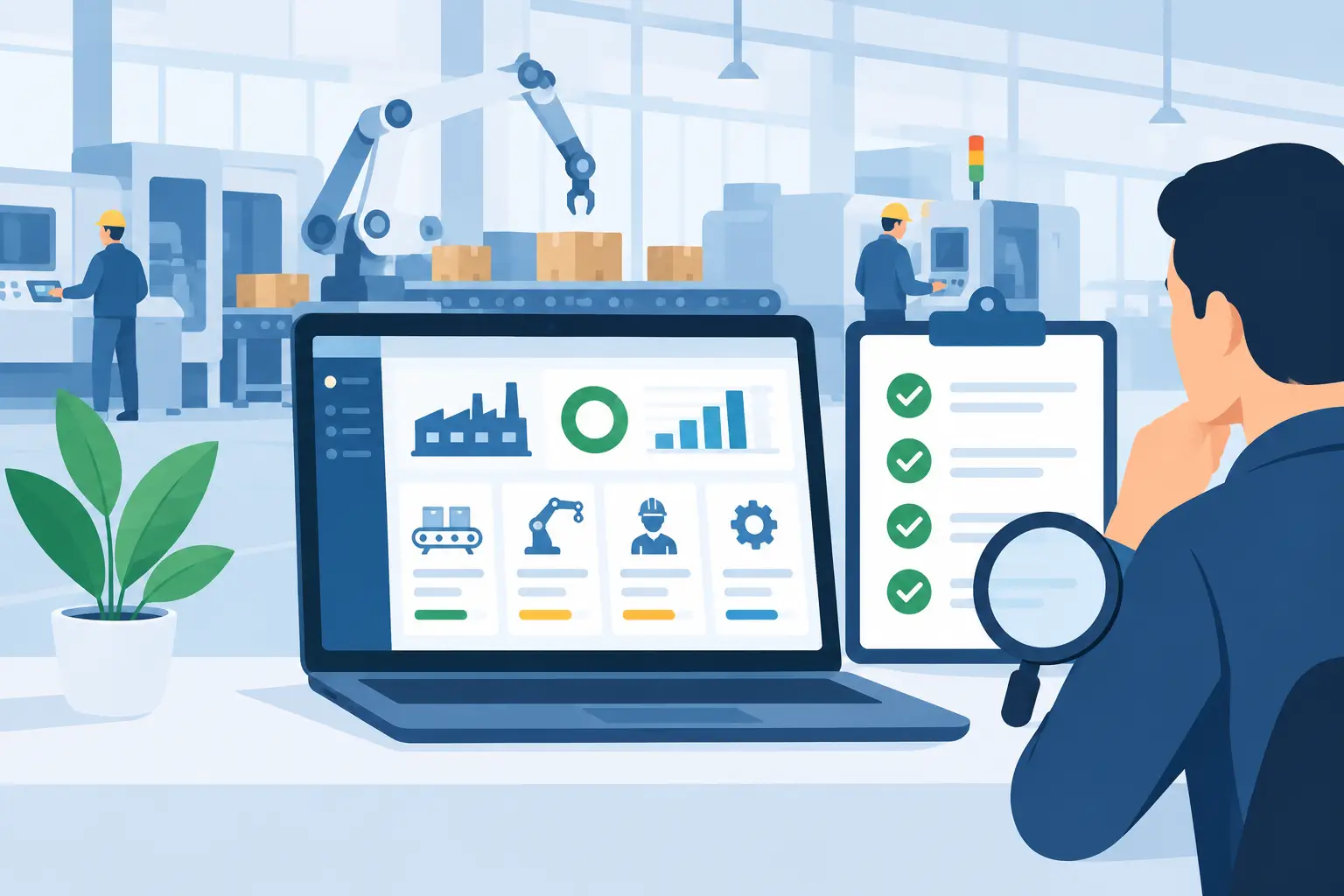
A rejected batch rarely begins at the final inspection bench. It often starts with a missed temperature reading, an unclear handover, a paper checklist that never reaches the supervisor, or stock that cannot be tied back to the production run. Quality inspection digitisation replaces these gaps with timely, usable records – so teams can act while material is still on the floor, not after it has become a costly claim or write-off.
For manufacturers, processors, warehouses and plantation operators, this is not simply about moving a form from paper to a tablet. It is about connecting quality activity to the orders, batches, people, machines and inventory movements that explain what happened. Done well, digital quality control gives operations leaders stronger traceability, finance teams a clearer view of loss and rework, and frontline users a simpler way to complete checks correctly.
What quality inspection digitisation should achieve
A digital inspection process should make the right check easy to perform at the right point in the workflow. An operator receiving raw materials should see receiving criteria. A production team should receive in-process checks relevant to the recipe, work order or machine. A warehouse worker picking stock should be able to confirm condition, quantity and packaging before dispatch.
The practical outcome is a controlled record rather than a collection of disconnected evidence. Each inspection can carry the item, supplier, batch or lot number, location, time, user, photos, readings and result. Where a check fails, the system should create a clear exception and route it to the person responsible for review.
That context matters. A spreadsheet may show that a product failed moisture testing, but it rarely makes it easy to identify every affected batch, determine whether the same issue occurred on another shift, or stop that stock being allocated to a customer order. An integrated ERP platform can do all three because quality records sit alongside inventory, production, purchasing and sales data.
Why paper and spreadsheets create quality risk
Paper has a place for some temporary field work or highly constrained environments, but it is weak as the system of record. Forms can be misplaced, handwriting can be unclear, and completed sheets are commonly entered into a spreadsheet days later. By then, material may have moved, production may have continued, and the chance to contain the issue has passed.
Standalone spreadsheets improve legibility but introduce their own problems. Versions multiply, formulas are changed without approval, and the people who need information may not have access to the latest file. A quality manager may spend hours reconciling inspection results with batch records and stock on hand before deciding whether a hold is required.
These delays are expensive in different ways. A tannery may process more hides before identifying a chemical variance. A garment washing operation may continue a faulty finish across a run. A food or agricultural processor may struggle to provide a complete traceability trail during an audit. In each case, the issue is less about collecting data and more about using it in the operational moment.
Design inspections around real operating decisions
The best digital forms are not long electronic versions of existing paperwork. They are configured around the decisions people need to make. If a check does not trigger an action, support compliance, or reveal a trend worth managing, it may not deserve a place in the form.
Start by mapping the moments where quality affects flow: supplier receipt, pre-production release, first-off approval, in-process inspection, packing, dispatch, returns and equipment cleaning. The right sequence varies by industry. A warehouse may place more emphasis on receiving condition and dispatch accuracy, while process manufacturing may focus on formulation, temperatures, weights and laboratory results.
For each point, define the acceptance criteria, the person responsible, and the action when a result is outside tolerance. A failed inspection might put a batch on hold automatically, require supervisor approval, generate a corrective action, or prompt a retest. The response should match the risk. Requiring management approval for every minor cosmetic defect can slow production unnecessarily; allowing a critical safety result to pass without a hold creates obvious exposure.
Make the workflow practical for frontline teams
Digital adoption depends on speed and clarity. Operators should not need to search through menus or re-enter information already known to the system. When a user opens an inspection from a production order or goods receipt, details such as item code, batch number, supplier and location should already be available.
Use simple pass, fail and measurement fields where appropriate, with required comments or photos only when there is an exception. Mobile access is useful for warehouses, plantations and large production sites, but the device must suit the environment. A rugged tablet may be sensible in wet or dusty areas; a shared workstation can work better near a controlled production line.
Training also needs to explain the reason behind each check. People are more likely to record accurate results when they understand that a temperature reading protects a whole batch, or that a photo of damaged packaging helps prevent a customer dispute.
Connect quality data to inventory, production and machines
Quality inspection digitisation delivers its strongest value when it is part of one operating system. A passed receipt can release stock for use. A failed result can quarantine stock at a defined location and prevent allocation. A completed in-process check can allow the next production stage to begin, while an unresolved exception can pause the order.
Machine and PLC integration adds another layer where equipment readings are central to product quality. Instead of relying only on manually entered temperatures, pressures, cycle times or weights, connected equipment can feed production data into the workflow. This does not remove the need for human inspection. Visual finish, contamination, packaging quality and safe work practices still require people. It does, however, reduce manual transcription and make it easier to compare quality outcomes with actual machine conditions.
The same principle applies to calibration and maintenance. If an instrument is overdue for calibration, inspection results from that device may need review. Connecting maintenance, asset records and quality processes helps teams identify this relationship before it becomes an audit finding or a recurring defect.
Turn failed checks into controlled corrective action
Recording a failure is only the beginning. A useful system assigns ownership, sets due dates, records containment actions and preserves the investigation trail. For example, a failed incoming inspection may trigger supplier notification, stock quarantine and a request for replacement material. An in-process failure may require a line adjustment, rework instruction and additional sampling before release.
Over time, categorised non-conformance data reveals patterns that are difficult to see in paper files. Are defects concentrated on one product line, supplier, shift, machine or operator group? Is rework increasing after a process change? Are customer returns connected to a particular packaging material?
Power BI reporting can make these trends visible to operational leaders without asking the quality team to manually build reports each month. The aim is not reporting for its own sake. It is to direct attention to the causes that affect yield, delivery performance, waste and margin.
A practical rollout approach
A staged rollout is usually more effective than attempting to digitise every quality form at once. Begin with a process where the business can clearly measure the impact – perhaps goods-receipt inspections, final product release or a frequent source of rework. Configure the inspection criteria, exception workflow and stock controls, then test them with the people who complete the work.
Four foundations should be in place before expanding:
- clear item, batch, supplier and location master data;
- agreed acceptance limits and escalation rules;
- defined ownership for reviewing exceptions and closing actions; and
- reporting that measures failures, response time, rework and recurring causes.
It is also wise to retain flexibility. Different sites, products or customers may need different inspection plans. A configurable platform allows the business to standardise core controls while accommodating legitimate operational differences. That balance is especially useful for growing businesses that acquire sites or run several product categories.
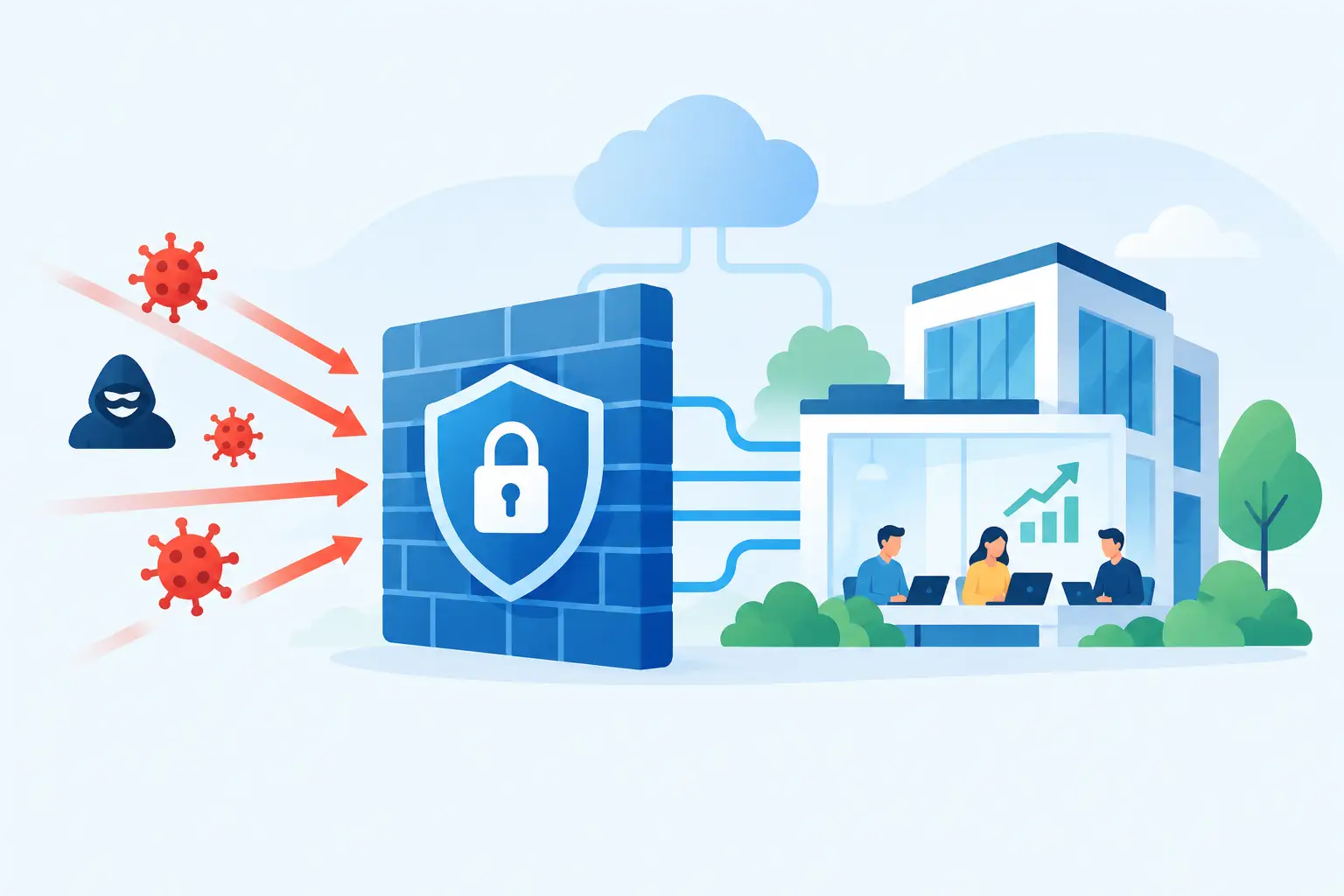
Security and audit controls matter as well. User permissions should reflect responsibilities, critical approvals should be traceable, and records should be retained according to the organisation’s compliance requirements. Cloud access makes information available across sites, but it also requires disciplined identity management, backups and active cybersecurity practices.
OneBusiness brings these controls into a connected cloud ERP environment, linking quality workflows with inventory, production planning, finance, machine data and operational analytics. For businesses replacing fragmented tools, that single source of operational truth can reduce both administrative effort and quality risk.
The most useful first step is to choose one inspection point where delays or missing information are costing the business money. Map what happens when a check fails, then build the digital process around that real decision. When the system helps people contain issues earlier and release good stock with confidence, digitisation becomes part of better daily operations rather than another form to complete.