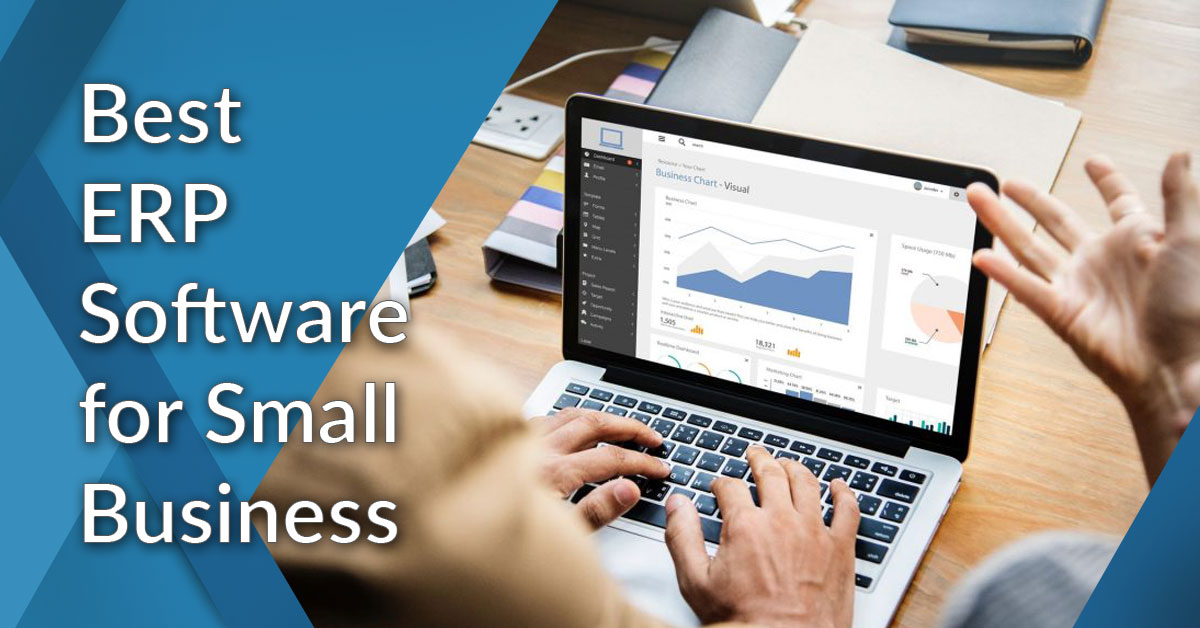
Best ERP Software for Small Businesses: Why Choose OneBusiness ERP?
Running a small business in today’s fast-changing digital environment requires the right technology. From managing finances and inventory to handling employees, sales, and customer relationships, business owners need efficient tools that can simplify daily operations.
OneBusiness ERP is a powerful ERP software solution designed to help businesses manage their operations from one centralized platform. With integrated business management tools, an easy-to-use interface, and a wide range of modules, OneBusiness ERP can help small businesses improve efficiency, reduce manual work, and support business growth.
If you are looking for the best ERP software for small businesses, OneBusiness ERP offers a flexible and comprehensive solution for managing essential business processes.
Why Do Small Businesses Need ERP Software?
As a business grows, managing different operations using spreadsheets and separate software applications can become difficult. Important information may be stored across multiple systems, making it harder to track business performance and make informed decisions.
The right ERP software for small businesses brings important business functions together in one system. This can help businesses manage:
Accounting and financial operations
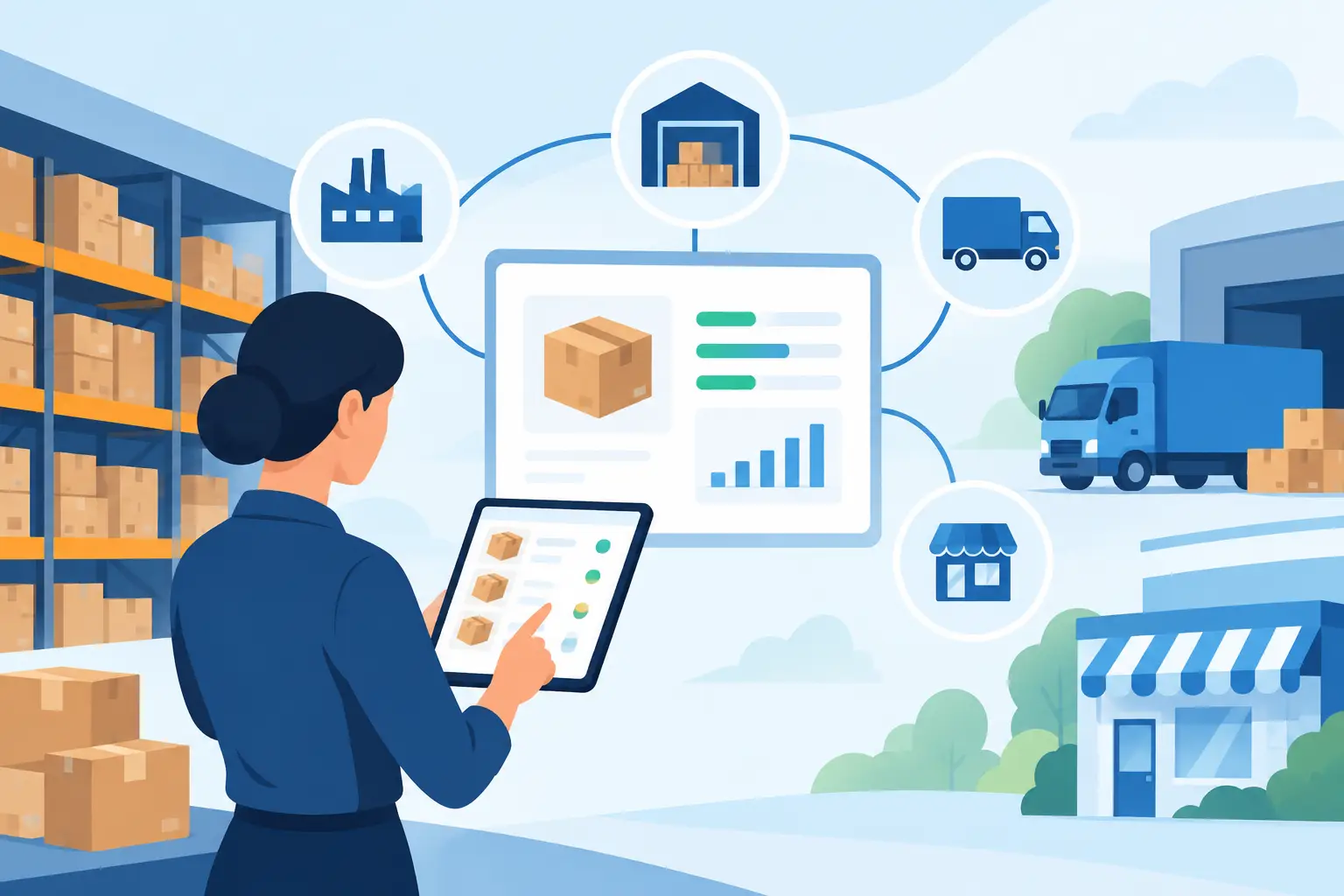
Inventory and warehouse management
Sales and customer relationships
Human resources and payroll
Purchasing and procurement
Production and operations
Business reporting and analytics
By using an integrated ERP system, small businesses can reduce manual processes, improve data visibility, and manage operations more efficiently.
What Makes OneBusiness ERP a Good Choice for Small Businesses?
OneBusiness ERP is designed to provide businesses with the tools they need to manage multiple operations from a centralized platform. Instead of using separate applications for accounting, inventory, sales, HR, and other processes, businesses can manage these activities through an integrated ERP solution.
Some of the key advantages include:
Easy-to-use business management tools
Integrated ERP and business modules
Centralized access to business data
Support for multiple business processes
Tools that can help automate routine tasks
Flexible solutions that can support business growth
These features make OneBusiness ERP a strong option for companies searching for an ERP system for small businesses.
How Does OneBusiness ERP Benefit Small Businesses?
Implementing the right ERP solution can help businesses save time, reduce operational complexity, and improve productivity.
1. Manage Multiple Business Processes in One Platform
OneBusiness ERP helps businesses manage important operations through a centralized system. Depending on business requirements, companies can manage areas such as:
Finance and accounting
Inventory management
Sales and customer management
Human resources
Payroll
Purchasing and procurement
Operations and reporting
Having these processes connected can help improve data accuracy and reduce the need to switch between multiple software applications.
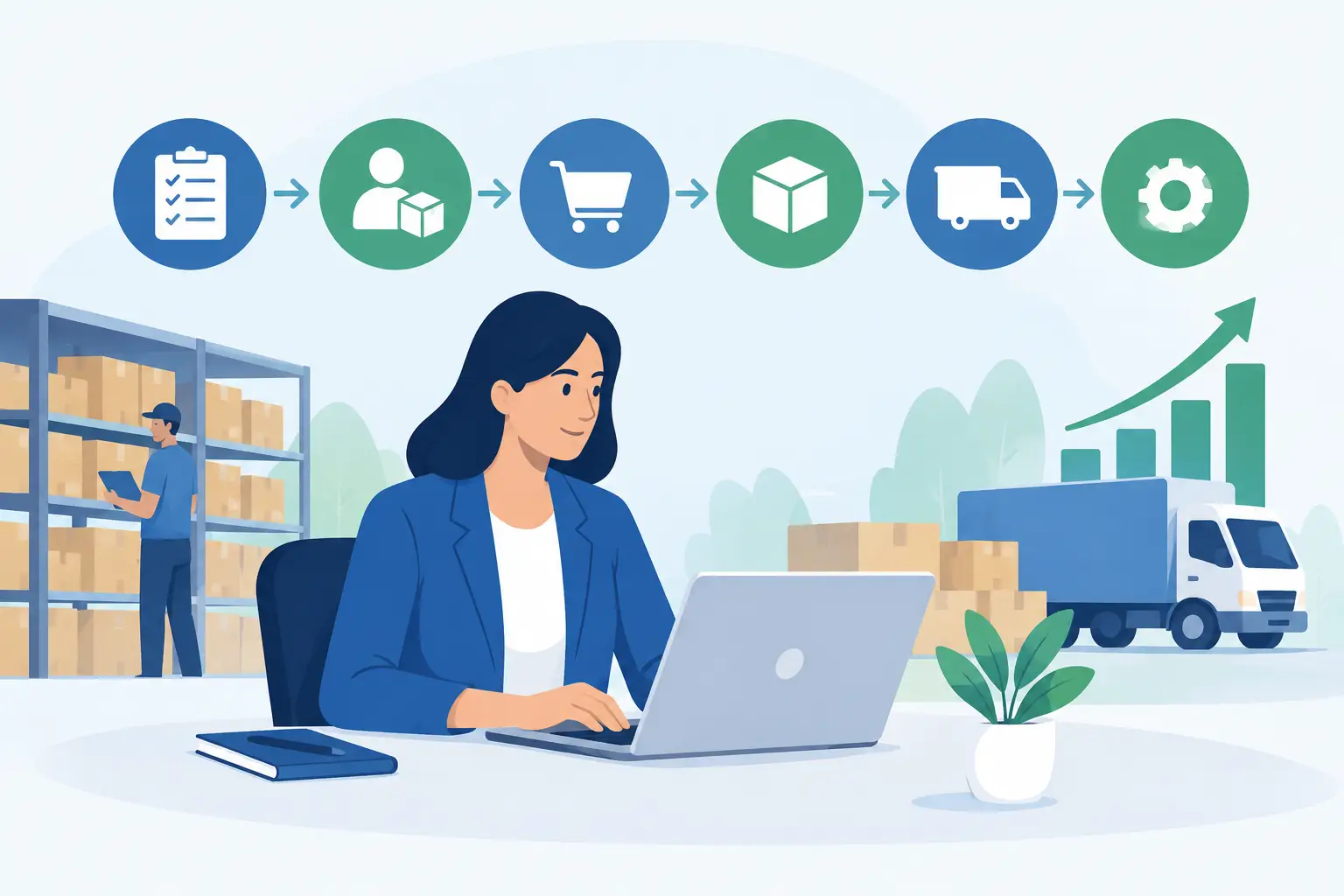
2. Improve Efficiency Through Automation
Manual and repetitive tasks can take valuable time away from important business activities. ERP software can help automate and streamline routine processes, allowing employees to focus on higher-value work.
OneBusiness ERP helps businesses organize workflows and manage information more efficiently, supporting better productivity across different departments.
3. Better Access to Business Information
Business owners need accurate information to make effective decisions. A centralized ERP system can provide better visibility into important business activities.
With the right small business ERP software, companies can monitor financial data, inventory, sales, operations, and other important business information from one platform.
This can support faster decision-making and improve overall business management.
Key Features of OneBusiness ERP
OneBusiness ERP provides a range of tools designed to support different business functions. Its integrated approach allows businesses to manage multiple processes within a single ERP environment.
Accounting and Financial Management
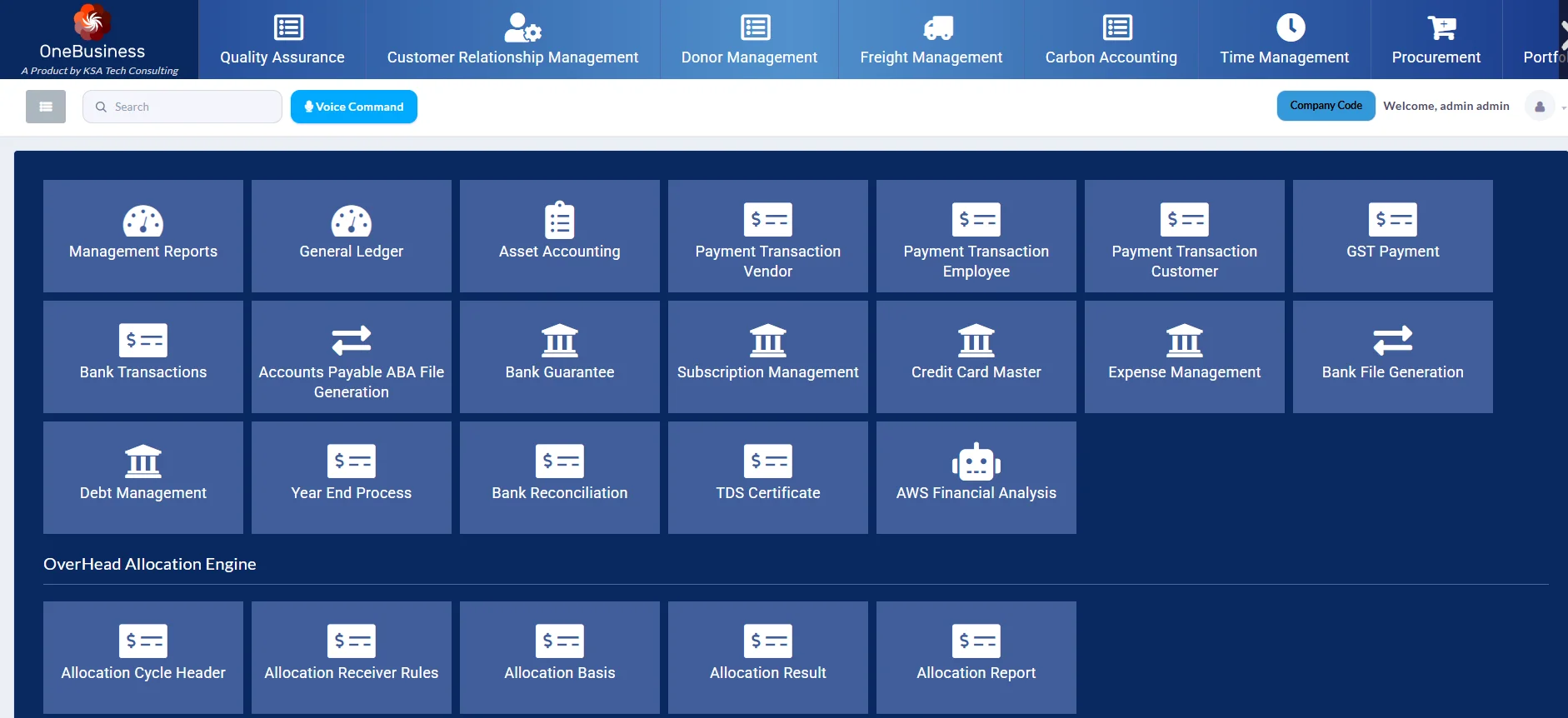
Manage financial processes and organize important accounting information through an integrated business management system.
Inventory Management
Track and manage inventory more efficiently. Businesses can gain better visibility into stock levels and inventory-related activities.
CRM and Sales Management
Customer relationship management tools can help businesses organize customer information, manage sales activities, and improve customer interactions.
Human Resources and Payroll
Manage employee-related processes and support HR and payroll activities through integrated business tools.
Web-Based Business Management
Web-based access can help businesses manage operations and access important information more conveniently.
Mobile Accessibility
Modern businesses often need access to information while working remotely or traveling. ERP solutions that support mobile accessibility can help users stay connected to important business operations.
How Can You Use OneBusiness ERP in Your Company?
Every business has different operational requirements. OneBusiness ERP can be used to organize and streamline processes across multiple departments.
For example, a business can use the system to manage sales and customer information, track inventory, organize financial data, and support employee-related processes.
As the business grows, having an integrated ERP platform can make it easier to manage increasing operational requirements.
The goal is simple: reduce unnecessary manual work, improve visibility, and give business owners more time to focus on growth and strategic decision-making.
Choosing the Best ERP Software for Small Businesses
When selecting the best ERP software for small businesses, it is important to consider your company’s specific needs. A suitable ERP solution should be easy to use, provide the necessary business modules, and support your company as it grows.
Before choosing an ERP system, consider:
Which business processes need to be managed?
Do you need accounting and financial management tools?
Is inventory management important for your business?
Do you need CRM, HR, or payroll functionality?
Can the software support future business growth?
Is the system easy for employees to use?
The right ERP software should help simplify operations rather than add unnecessary complexity.
Why Choose OneBusiness ERP?
OneBusiness ERP provides an integrated solution for businesses looking to manage multiple operations from a single platform. From accounting and inventory to sales, HR, and other business processes, the system is designed to help organizations improve efficiency and streamline their operations.
Explore the OneBusiness ERP solutions to learn more about the available modules and business management tools.
Conclusion
Finding the best ERP software for small businesses depends on your company’s unique requirements, industry, and growth plans. An effective ERP solution can help bring important business processes together, reduce manual work, improve data visibility, and support better decision-making.
OneBusiness ERP offers a comprehensive business management solution for companies looking to streamline their operations through an integrated ERP platform. With tools for accounting, inventory, sales, CRM, HR, payroll, and other business functions, it can help businesses manage their operations more efficiently.
If you are searching for a reliable ERP system for small businesses, explore how OneBusiness ERP can support your business operations and future growth.
To learn more about OneBusiness ERP and its manufacturing technology solutions, follow KSA Tech Consulting on Facebook and LinkedIn.