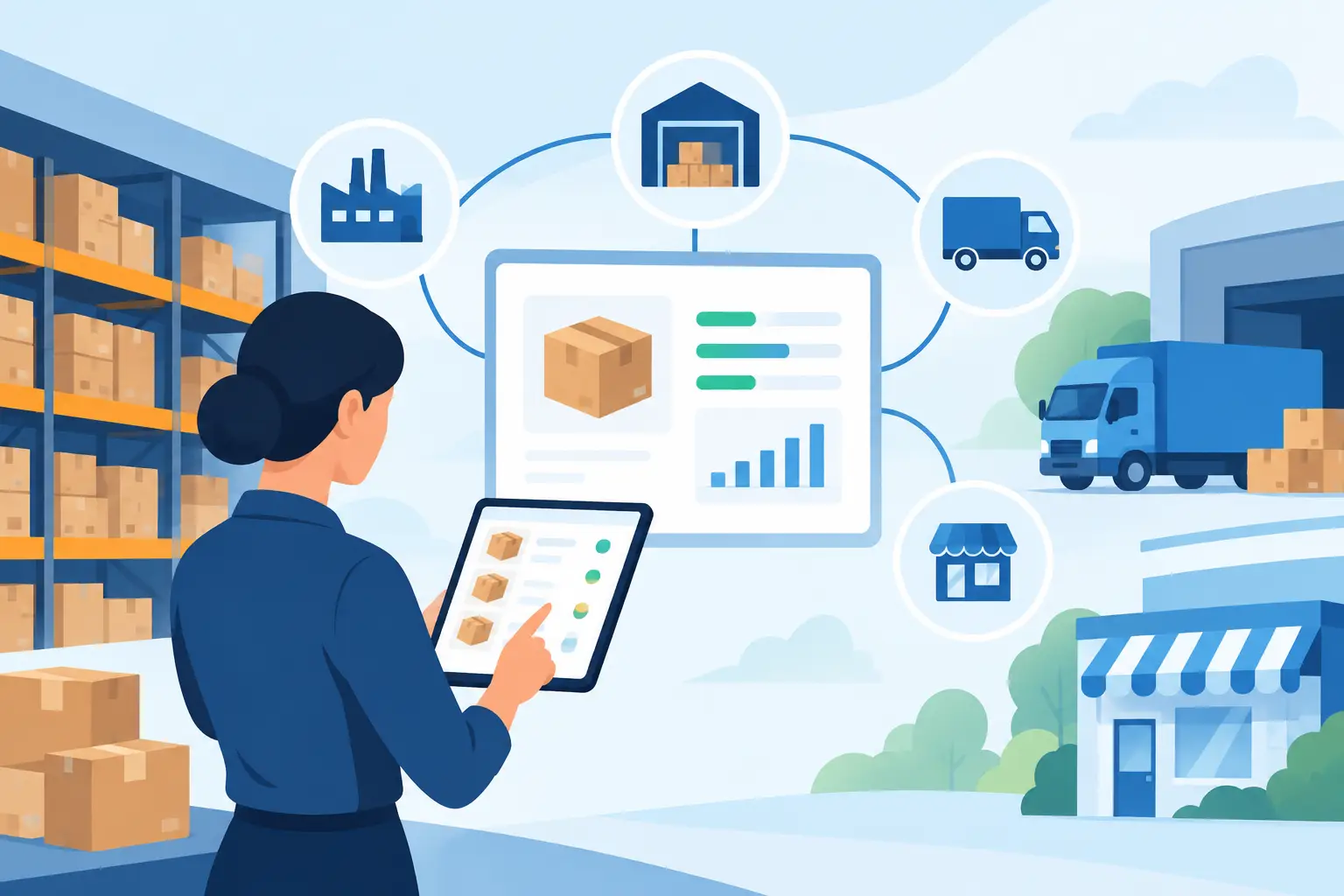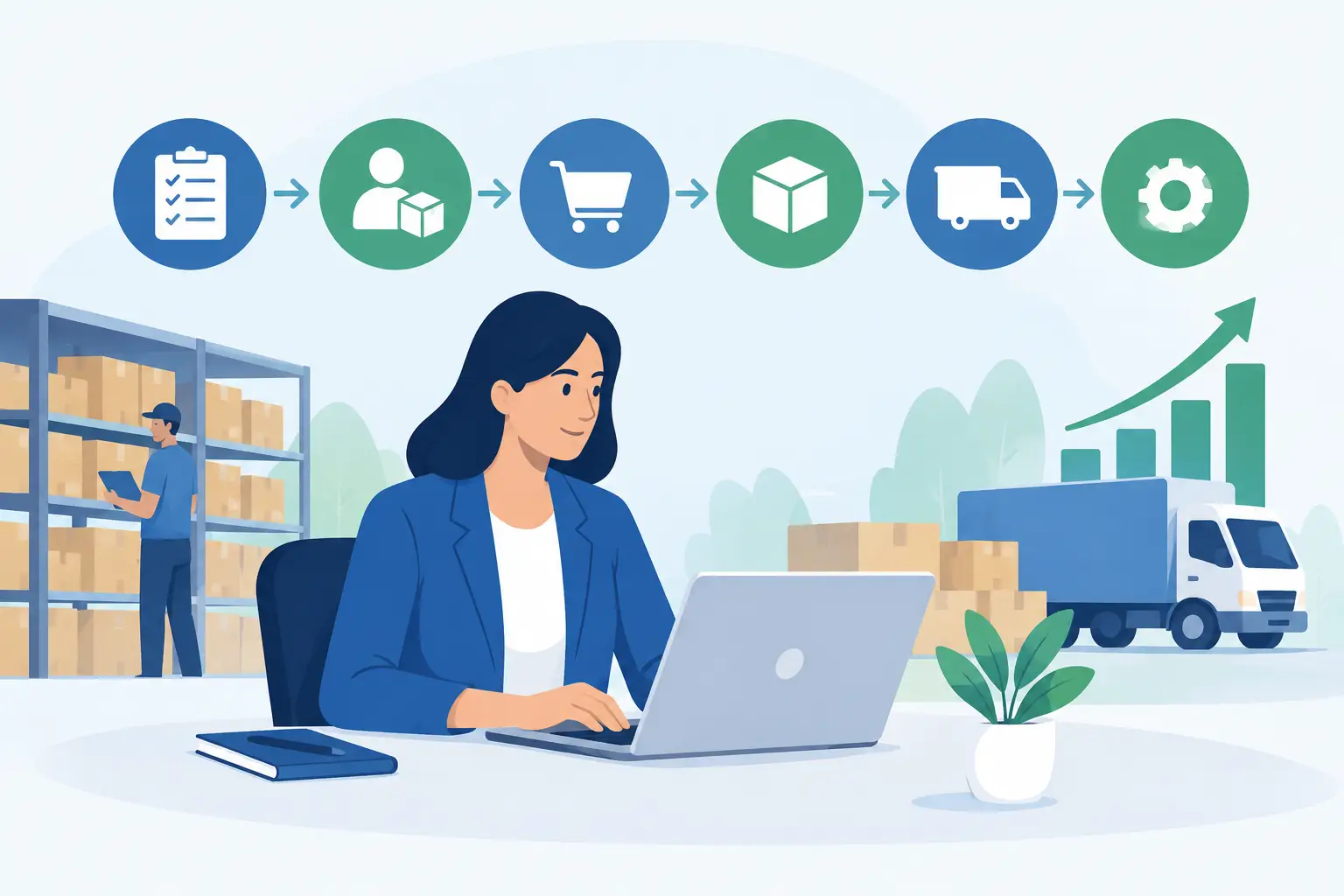
A warehouse team can pick, pack and dispatch orders quickly, yet the business can still lose margin through inaccurate landed costs, delayed invoicing or poor production planning. That is the practical issue behind ERP versus WMS. The question is not simply which system has better stock screens. It is which system gives your business control over the work happening before, inside and after the warehouse.
For an Australian manufacturer, wholesaler, retailer or processing business, the answer often depends on operational complexity. A warehouse management system can improve the physical movement of goods. An enterprise resource planning system connects that movement to purchasing, finance, sales, production, labour and reporting. Many growing businesses need both capabilities, but not necessarily two separate platforms.
ERP versus WMS: the core difference
An ERP is the central operating system for the business. It records and coordinates transactions across departments: quotes, sales orders, purchase orders, accounts payable, accounts receivable, general ledger, inventory, production, projects, payroll-related operational data and management reporting. Its purpose is to create one reliable version of financial and operational performance.
A WMS is designed around warehouse execution. It manages where stock sits, how it is received, replenished, picked, packed, counted and dispatched. A capable WMS may use barcode scanners, mobile devices, bin locations, directed putaway, pick paths, wave picking and cycle counts to make warehouse work faster and more accurate.
The distinction matters because inventory quantity is only one part of the picture. An ERP answers questions such as: What did this job cost? Which customer invoices are overdue? Can we afford to buy more materials? What margin did this production run achieve? A WMS answers: Which bin holds this item? What should the picker collect next? Has this pallet been received and quality checked?
| Business need | ERP | WMS | | — | — | — | | Financial accounting and compliance | Core capability | Usually relies on an ERP or accounting system | | Purchasing, sales and billing | Core capability | Supports fulfilment activity | | Bin-level stock control | May be available | Core capability | | Barcode-led receiving and picking | Often available in warehouse-focused ERP | Core capability | | Production planning and material consumption | Core capability | May support material movements | | Warehouse labour and task optimisation | Limited to moderate, depending on configuration | Strong capability | | Company-wide reporting | Core capability | Warehouse-focused reporting |
When an ERP is the better starting point
An ERP is usually the priority when disconnected systems are creating problems beyond the warehouse. This is common for businesses running accounting software, spreadsheets, a point-of-sale platform and a separate stock tool. Teams may spend hours reconciling stock values, chasing paper-based production records or rekeying sales information into finance.
A connected ERP removes those hand-offs. When goods are received, stock availability can update alongside supplier commitments and inventory valuation. When an order is invoiced, finance does not need a separate export. When production consumes raw materials, the business can compare actual usage and labour against planned costs.
This approach is particularly useful for operationally complex organisations. A food processor may need batch traceability, recipe or bill-of-material control, quality records and production costing. A manufacturer may need machine data, work orders, maintenance context and material planning. A labour-hire business may need timesheets, client billing, workforce allocation and payroll-ready information in one place. In these cases, a standalone WMS solves only one part of a wider control problem.
An ERP does not have to mean a basic warehouse experience. Modern cloud ERP platforms can include barcode scanning, multi-warehouse control, locations and bins, replenishment rules, serial or batch tracking, stocktakes, dispatch workflows and mobile access. For many small and mid-sized businesses, this level of warehouse functionality is sufficient and simpler to manage than a separate WMS integration.
When a dedicated WMS earns its place
A specialist WMS becomes more compelling when warehouse execution itself is the main constraint on growth. Think of a high-volume distribution centre processing thousands of order lines each day, handling multiple clients, operating across large sites or working to strict dispatch cut-offs. In that environment, seconds saved on each task can produce meaningful savings.
A dedicated WMS may offer deeper tools for complex slotting, sophisticated wave and batch picking, route optimisation, cartonisation, dock scheduling, radio-frequency task allocation and detailed warehouse labour measurement. Third-party logistics providers and large e-commerce operations often need these capabilities because warehouse performance is their product.
There are trade-offs. A separate WMS introduces another system to configure, secure, support and integrate. Item masters, customer details, orders, receipts, adjustments and shipment confirmations must move accurately between systems. If the integration is delayed or poorly governed, the business can end up with different stock figures in finance and the warehouse – exactly the visibility problem it was trying to fix.
A dedicated WMS is therefore not automatically the more advanced choice. It is the right choice when its specialised execution gains outweigh the additional cost and complexity.
Assess the work, not the software labels
The most useful selection process begins on the warehouse floor and follows the transaction through the business. Map how goods arrive, where they are checked, how stock is identified, what happens when there is a variance, how production consumes materials and when customers are billed. Include exceptions, not just the ideal process.
For example, a garment washing operation may receive customer-owned goods, process them through several stages, track quantities and rejects, then return completed orders on a deadline. A simple WMS may record locations and dispatches, but it may not manage job costing, production stages, customer billing rules and operational reporting without significant integration work. An ERP configured for that workflow may provide a stronger foundation.
Ask operational and finance teams the same practical questions: Can we see available stock in real time? Can we trace a batch from supplier receipt to customer delivery? Can we identify the cost of a completed job? Can a supervisor approve an adjustment with a clear audit trail? Can management trust the report without rebuilding it in a spreadsheet?
If the answers require several manual steps, the issue is usually not a missing dashboard. It is a fragmented process.
Integration, data and control
Whether you choose an ERP with warehouse functionality or integrate a WMS, master data is critical. Product codes, units of measure, warehouse locations, serial numbers, batches, customer addresses and pricing rules need clear ownership. A barcode process will not fix duplicate item records or inconsistent pack sizes.
Real-time integration also needs careful definition. Some transactions must update immediately, such as stock availability for online orders. Others can be synchronised in scheduled batches. The right approach depends on order volumes, connectivity, operational risk and customer service commitments.
Security deserves the same attention. Warehouse users should have access to the transactions they need without unrestricted access to finance or customer data. Role-based permissions, audit logs, managed backups and security monitoring help protect operations while keeping everyday tasks straightforward.
Analytics should extend beyond stock on hand. Finance leaders need inventory value, ageing, write-offs and margin visibility. Operations managers need fulfilment accuracy, pick rates, receiving turnaround, stock variances and slow-moving items. Production teams need material availability, yield and work-order performance. When those measures come from connected data, decisions can be made with more confidence.
A practical decision framework
Choose an ERP-first approach when your biggest need is to connect warehouse activity with finance, purchasing, sales, production or service delivery. It is also a sensible path when warehouse volumes are growing but workflows remain manageable with barcode scanning, bins, replenishment and traceability inside one platform.
Consider a dedicated WMS when warehouse execution is highly complex, high-volume or central to your commercial model, and when advanced task optimisation can deliver measurable returns. Make integration planning part of the business case, not an afterthought.
For some businesses, the right answer is staged. Start with a cloud ERP that brings accounting, inventory, purchasing and fulfilment into one controlled environment. Improve data quality and standardise warehouse processes. Then add specialised WMS capability only if volume, site complexity or service requirements justify it.
OneBusiness supports this connected approach by combining financial control, inventory and warehouse workflows, production planning, AI-enabled reporting and configurable industry processes in a single cloud platform. Where machine or PLC data matters, it can also bring operational signals closer to the commercial records used by management.
The better choice is the system design that lets a warehouse operator complete work accurately, lets finance trust the numbers, and lets leaders act on what is happening without waiting for another spreadsheet.